

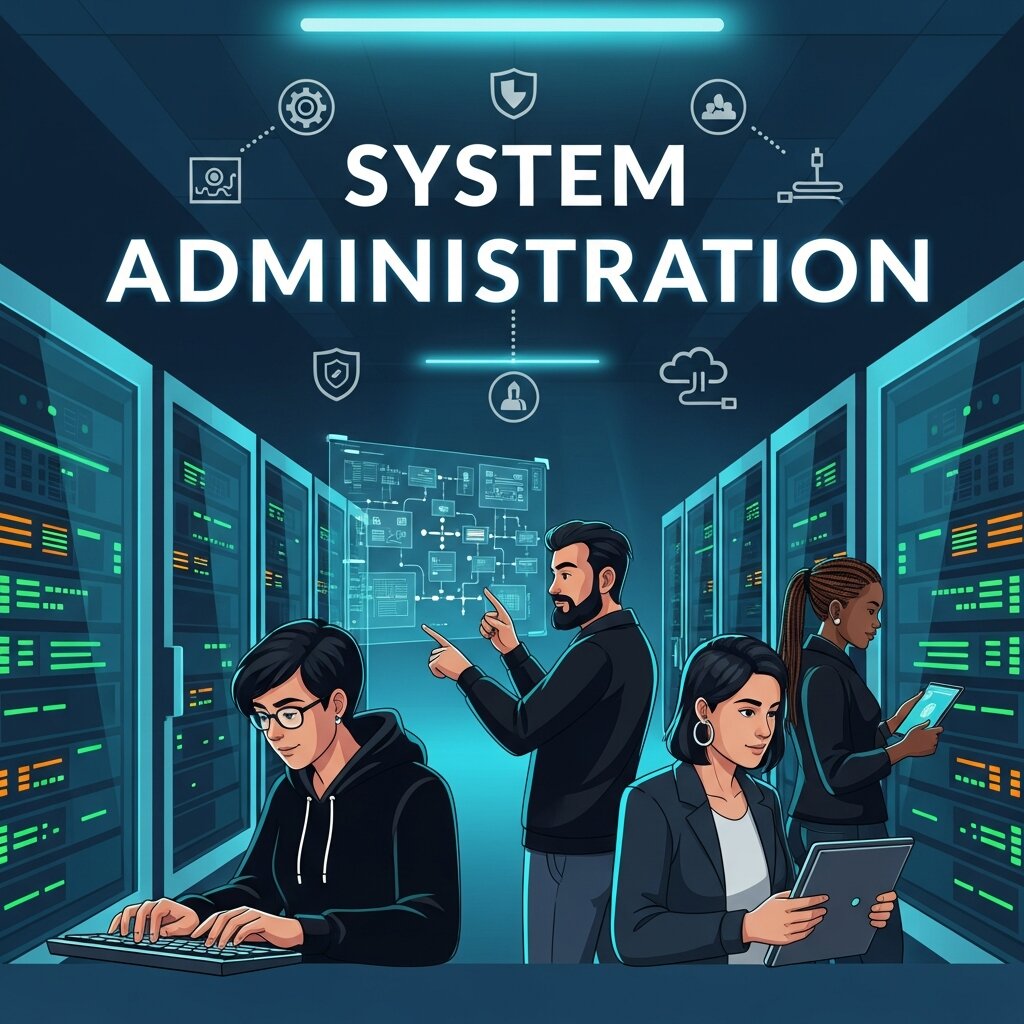
Behind every smooth-running business is a team of people you rarely see in action. When your email loads instantly, your files sync across devices, and your company website stays online during a traffic spike, that’s not luck. That’s system administration doing its job.
System administration is the practice of managing, maintaining, and securing an organization’s computer systems and networks. It’s the backbone of modern business operations, keeping everything from individual workstations to massive server farms working as they should. Yet most people only notice it when something breaks.
In this post, we’ll explore what system administration actually involves, why it matters so much for business continuity, and how skilled administrators prevent the kind of technical disasters that can cost companies time, money, and reputation. Whether you run a small startup or manage IT for a large enterprise, understanding this discipline will help you appreciate the work that keeps your digital operations humming.
What Is System Administration?
System administration covers the day-to-day management of an organization’s IT infrastructure. A system administrator—often called a “sysadmin”—is responsible for the reliable operation of computer systems, especially multi-user environments like servers.
The role touches three core pillars of any IT setup:
- Computer hardware: The physical machines, including servers, workstations, storage devices, and peripherals. Sysadmins install, configure, and maintain this equipment to keep it running at peak performance.
- Computer software: The operating systems and applications that run on that hardware. Administrators handle installation, updates, licensing, and troubleshooting across the organization.
- Computer networking: The systems that connect everything together, from local networks to internet connectivity. Sysadmins configure routers, switches, and firewalls to keep data flowing securely.
Think of a system administrator as the conductor of an orchestra. Each instrument—the hardware, the software, the network—needs to play its part. The sysadmin makes sure they all work in harmony, so the business experiences seamless performance rather than chaos.
The Core Responsibilities of a System Administrator
The job of a sysadmin is broad and varied. No two days look exactly alike. Still, several key responsibilities define the role.
Managing Servers and Infrastructure
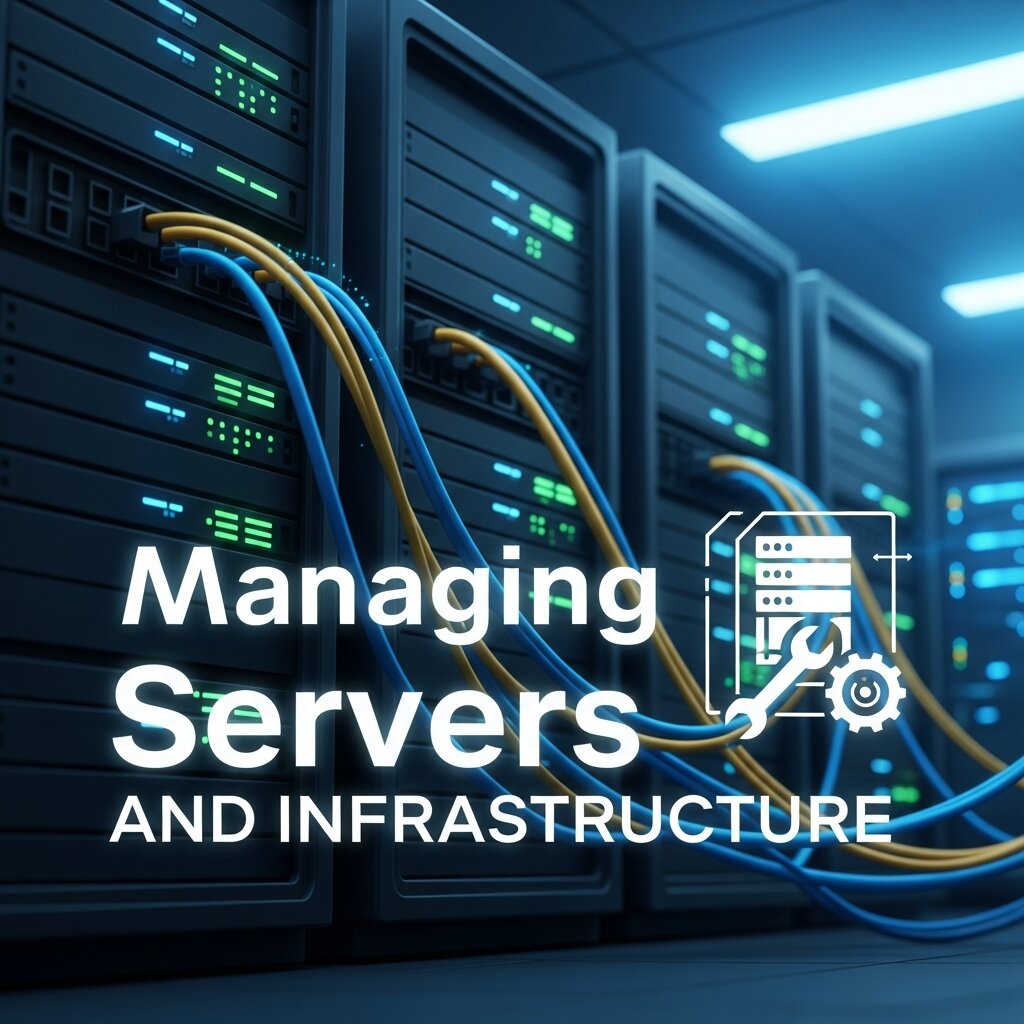 Servers are the heart of most business operations. They host websites, store files, run applications, and manage email. System administrators set up these servers, configure them for specific tasks, and monitor their health around the clock. When a server runs low on storage or starts to slow down, the sysadmin steps in before users notice a problem.
Installing and Updating Software
Outdated computer software is one of the biggest security risks a business can face. Sysadmins keep operating systems and applications current, rolling out patches and updates that fix bugs and close security gaps. They also manage software licenses to ensure the company stays compliant and avoids unexpected costs.
Maintaining Computer Hardware
Physical equipment wears out, fails, or simply becomes obsolete. Administrators track the lifecycle of computer hardware, planning upgrades and replacements before aging machines cause disruptions. They also diagnose hardware faults, swap out failing components, and keep an inventory of spare parts for quick fixes.
Overseeing Computer Networking
A reliable network is essential for collaboration and communication. Sysadmins design, configure, and maintain the computer networking infrastructure that connects employees, devices, and external services. This includes managing bandwidth, setting up secure remote access, and troubleshooting connectivity issues that can grind productivity to a halt.
Managing User Accounts and Access
Every employee needs the right level of access to do their job—no more, no less. System administrators create and manage user accounts, set permissions, and enforce access policies. This careful control protects sensitive data and reduces the risk of internal security breaches.
Why System Administration Matters for Business Continuity
 A single hour of downtime can be devastating. According to industry research, the average cost of IT downtime runs into thousands of dollars per minute for large enterprises. For smaller businesses, even a brief outage can mean lost sales, frustrated customers, and damaged trust.
System administration is the discipline that prevents these costly interruptions. Here’s how it keeps businesses running smoothly.
Preventing Downtime Before It Happens
The best sysadmins are proactive, not reactive. They monitor systems constantly, watching for warning signs like rising server temperatures, unusual network traffic, or storage approaching capacity. By catching these issues early, they fix small problems before they snowball into major outages.
Securing Sensitive Data
Cyberattacks grow more sophisticated every year. System administrators serve as the first line of defense, configuring firewalls, managing antivirus tools, and applying security patches across all computer software. They also set up access controls and monitor for suspicious activity, protecting both company data and customer information.
Backing Up Critical Information
Hardware fails. Files get corrupted. Mistakes happen. A solid backup strategy is what stands between a minor hiccup and a catastrophe. Sysadmins design and maintain backup systems that copy important data regularly, so the business can recover quickly when disaster strikes.
Supporting Growth and Scalability
As a business expands, its IT needs grow too. System administrators plan for this growth, scaling computer hardware, software, and networking resources to match demand. Whether a company is adding ten new employees or opening a second office, the sysadmin makes sure the infrastructure can handle it.
The Tools and Skills Behind Effective System Administration
Modern system administration relies on a powerful mix of technical knowledge and specialized tools. Understanding what’s in a sysadmin’s toolkit helps explain why the role is so vital.
Monitoring and Automation Tools
Manual checks can only go so far. Today’s administrators use monitoring platforms that track system performance in real time and send alerts the moment something goes wrong. Automation tools handle repetitive tasks—like applying updates or running backups—freeing up time for more strategic work.
Operating System Expertise
Most sysadmins specialize in one or more operating systems, whether that’s Windows Server, Linux, or macOS. Deep knowledge of computer software at the OS level allows them to fine-tune performance, troubleshoot tricky issues, and configure systems for maximum reliability.
Networking Know-How
A strong grasp of computer networking is non-negotiable. Sysadmins need to understand protocols, IP addressing, firewalls, and VPNs. This expertise lets them build secure, fast networks and diagnose connectivity problems with confidence.
Problem-Solving Under Pressure
When systems go down, the clock is ticking. Great administrators stay calm and methodical, working through problems logically to find the root cause. This ability to troubleshoot under pressure separates good sysadmins from great ones.
Communication Skills
System administration isn’t just about machines. Sysadmins regularly explain technical issues to non-technical colleagues, document procedures, and train staff on new tools. Clear communication ensures the whole organization benefits from their expertise.
Common Challenges Faced by System Administrators
The work isn’t without obstacles. Recognizing these challenges helps businesses support their IT teams more effectively.
Keeping up with rapid change: Technology evolves at breakneck speed. New software versions, hardware standards, and networking technologies appear constantly. Sysadmins must commit to continuous learning to stay ahead.
Balancing security and usability: Tight security can frustrate users, while loose policies invite risk. Administrators walk a fine line, building systems that are both safe and easy to use.
Managing limited budgets: Many sysadmins, especially in smaller businesses, work with tight resources. They have to make smart decisions about where to invest in computer hardware, software, and networking upgrades.
Handling unexpected emergencies: A failed server at 2 a.m. doesn’t wait for business hours. On-call duties and unpredictable crises are part of the job, demanding flexibility and resilience.
How Businesses Can Support Strong System Administration
 Good system administration doesn’t happen in a vacuum. Companies that invest in their IT function reap the rewards of smoother operations and fewer disruptions.
Start by giving your administrators the right tools. Quality monitoring software, reliable backup solutions, and modern computer hardware make their jobs easier and your systems more dependable. Next, support ongoing training so your team stays current with the latest in computer software and networking. Finally, treat system administration as a strategic priority rather than an afterthought. The companies that thrive are the ones that recognize IT as a driver of business success, not just a cost center.
Frequently Asked Questions
1. What is system administration?
System administration is the process of managing, maintaining, and securing an organization’s computer systems, servers, software, and networks. It ensures that IT infrastructure runs efficiently, securely, and with minimal downtime.
2. What does a system administrator do?
A system administrator, or sysadmin, installs and configures servers, manages user accounts, updates software, monitors system performance, troubleshoots technical issues, and maintains network security to keep business operations running smoothly.
3. Why is system administration important for businesses?
System administration is essential because it minimizes downtime, protects sensitive data, ensures reliable network performance, and supports business continuity. Effective system administration helps organizations operate efficiently and avoid costly disruptions.
4. What skills are required to become a system administrator?
Successful system administrators need skills in operating systems, computer networking, hardware maintenance, cybersecurity, scripting, troubleshooting, and automation. Strong communication and problem-solving abilities are also important for managing complex IT environments.
5. What’s the difference between system administration and network administration?
System administration focuses on managing servers, operating systems, applications, and user accounts, while network administration primarily deals with network infrastructure such as routers, switches, firewalls, and internet connectivity. In many organizations, these roles work closely together.
6. What operating systems do system administrators commonly use?
System administrators typically work with operating systems such as Linux, Windows Server, and macOS. Linux and Windows Server are especially popular in enterprise environments because of their flexibility, scalability, and extensive management tools.
7. How does system administration help improve cybersecurity?
System administrators strengthen cybersecurity by applying security patches, configuring firewalls, managing access controls, monitoring suspicious activities, and maintaining backup systems. Their proactive approach helps protect businesses from cyber threats and data breaches.
8. What are the biggest challenges in system administration?
Common challenges include keeping up with rapidly changing technologies, balancing security with usability, managing limited budgets, handling unexpected outages, and maintaining high system availability while supporting business growth.
9. Can automation improve system administration?
Yes. Automation helps system administrators perform repetitive tasks such as software updates, backups, server provisioning, and monitoring more efficiently. It reduces human error, saves time, and allows IT teams to focus on strategic initiatives.
10. How can businesses build a strong system administration strategy?
Businesses can strengthen system administration by investing in modern hardware and software, implementing reliable backup and monitoring systems, providing ongoing staff training, and treating IT infrastructure as a strategic asset that supports long-term growth and operational success.
Keeping the Gears Turning
System administration is the quiet engine that powers modern business. From maintaining computer hardware and updating software to securing networks and preventing downtime, sysadmins handle the countless details that keep operations flowing smoothly. Their work often goes unnoticed—until it stops, and the whole organization feels the impact.
If you want your business to run reliably, start by valuing the people and processes behind your IT infrastructure. Invest in skilled administrators, equip them with the right tools, and give them room to grow. Do that, and you’ll build a foundation strong enough to support whatever comes next. Ready to strengthen your IT operations? Audit your current systems, identify gaps in your hardware, software, and networking, and make system administration a cornerstone of your business strategy.



Leave a Reply