

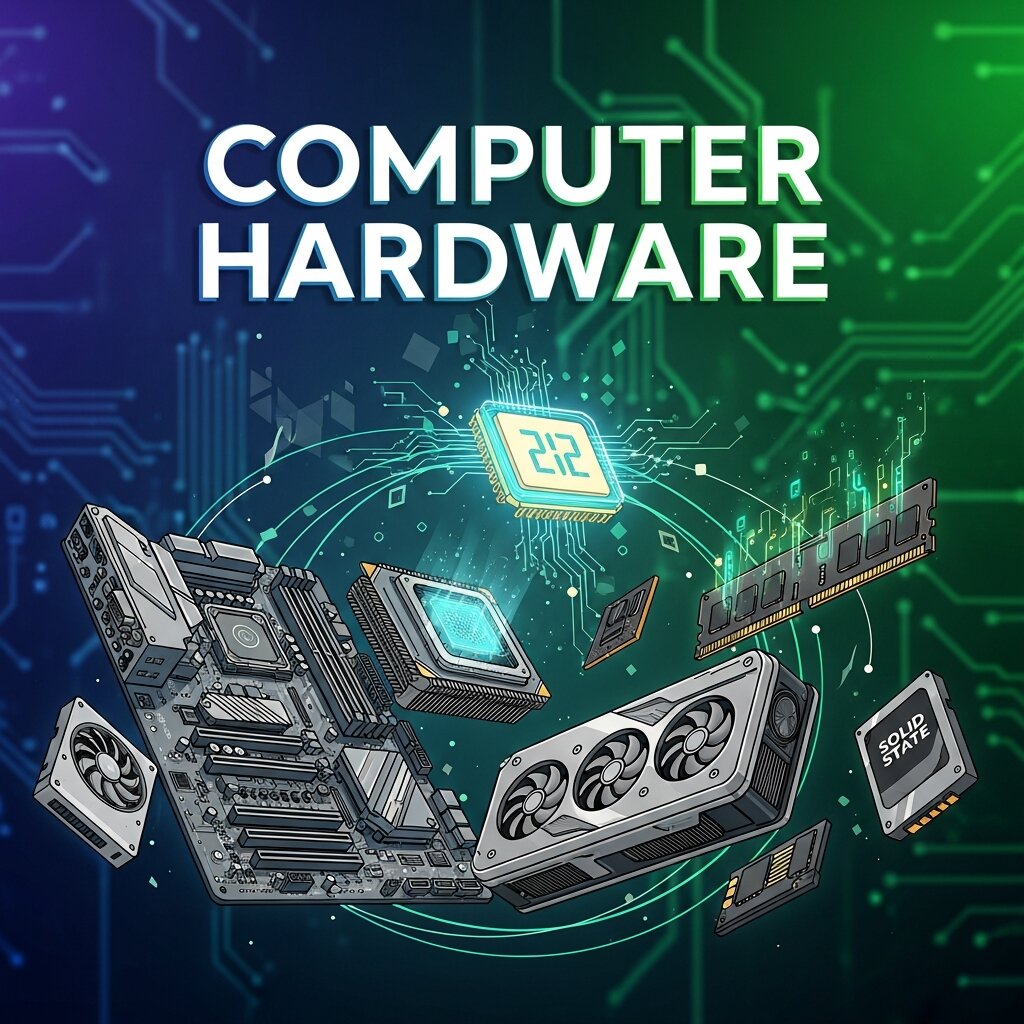
When we think about modern technology, our minds often jump straight to the software. We marvel at intuitive smartphone applications, highly realistic video game graphics, and seamless cloud-based collaboration tools. Software dominates the conversation because it is the interface we interact with daily. Yet, underneath every line of code and every sleek user interface lies the unsung hero of the digital age: computer hardware.
Without the physical components that process, store, and transmit data, even the most advanced software is entirely useless. Computer hardware provides the physical foundation that makes digital innovation possible. From the silicon chips processing billions of calculations per second to the massive server racks powering the internet, these tangible parts are the true engines of progress. Understanding how these components work together is essential for anyone looking to build robust systems or optimize their daily workflow.
In this comprehensive guide, we will explore the critical role that physical components play in our digital ecosystem. We will examine how processing power drives innovation, how physical infrastructure supports cloud computing, and why strategic hardware investments are essential for effective IT infrastructure management. By the end of this post, you will have a deep appreciation for the physical architecture that powers our connected lives and the knowledge to make better technology decisions for your business.
The Hidden Engine Behind the Software
 Every digital action requires a physical reaction. When you click a button on a website or run a complex data analysis program, you are triggering a cascade of electrical impulses across microscopic circuits. The speed, efficiency, and reliability of your software are entirely dependent on the quality of your computer hardware.
Processing Power and Speed
The Central Processing Unit (CPU) is often described as the brain of the computer. It executes instructions, performs calculations, and manages the flow of information through the system. Over the decades, processing power has increased exponentially. This rapid advancement has allowed software developers to create increasingly complex and demanding applications.
However, raw processing power is just one part of the equation. Modern computing also relies heavily on specialized processors like Graphics Processing Units (GPUs). Originally designed to render video game graphics, GPUs are now used to accelerate workloads in fields ranging from artificial intelligence to scientific research. This shift highlights how advancements in physical components directly unlock new technology solutions that were previously thought impossible.
Memory and Multitasking
While the CPU handles the active thinking, Random Access Memory (RAM) serves as the computer’s short-term memory. It stores the data that the processor needs immediate access to. When a system lacks sufficient memory, the processor is forced to retrieve data from slower storage drives, resulting in system lag and decreased productivity.
For businesses, ensuring that employee workstations and enterprise servers have adequate memory is a fundamental aspect of IT infrastructure management. Proper memory allocation allows systems to run multiple applications simultaneously without compromising performance. This multitasking capability is critical for modern professionals who rely on resource-heavy applications, video conferencing software, and large datasets concurrently.
Building a Reliable IT Infrastructure Management Strategy
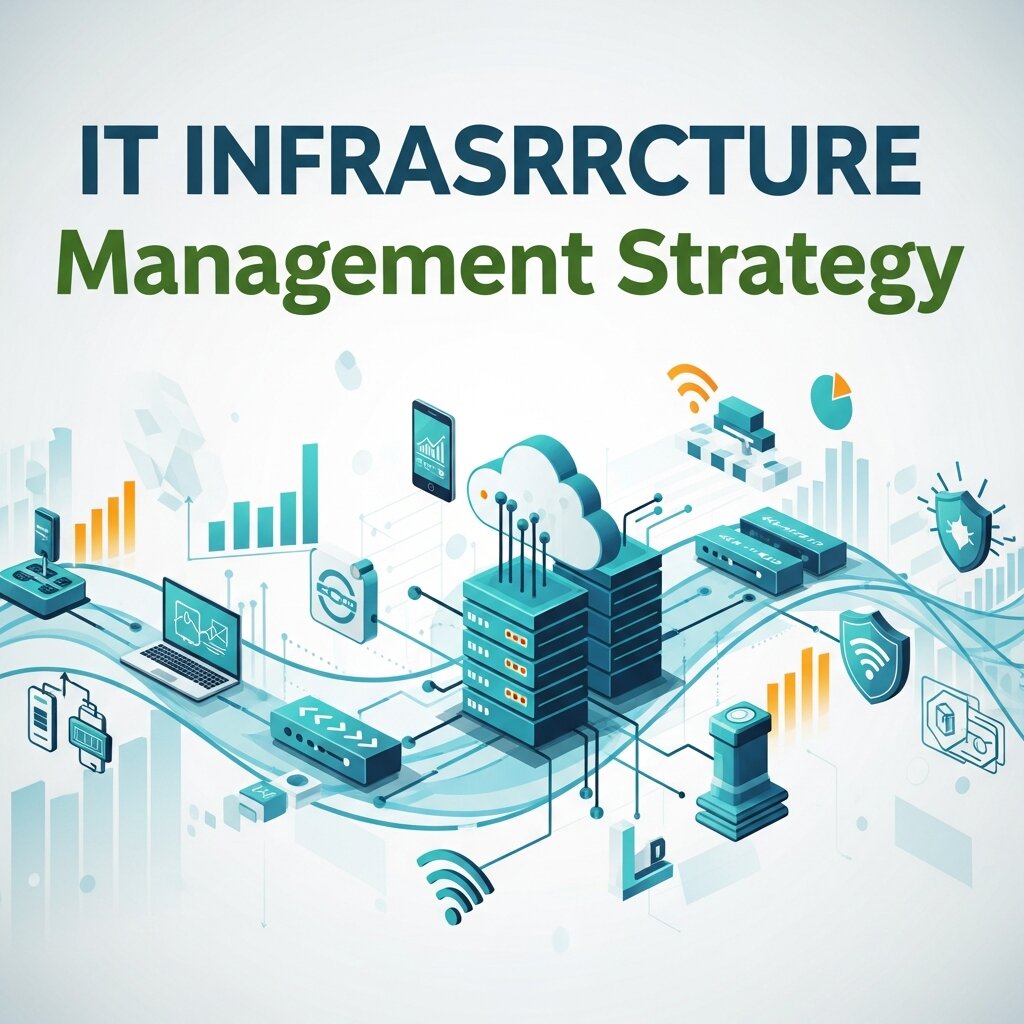 A company’s digital capabilities are only as strong as its underlying infrastructure. Effective IT infrastructure management requires a deep understanding of hardware lifecycles, capacity planning, and hardware maintenance.
Server Hardware and Data Centers
The cloud is often conceptualized as an invisible, intangible entity. In reality, the cloud is heavily reliant on massive arrays of physical servers housed in sprawling data centers. These servers require powerful processors, extensive memory, and vast amounts of storage to host websites, manage corporate databases, and run enterprise software.
Managing these environments involves complex logistical challenges. IT professionals must regulate temperature through advanced cooling systems, ensure uninterrupted power supplies, and physically secure the premises. Choosing the right server components is a delicate balancing act between performance, energy efficiency, and cost. When a business outgrows its current infrastructure, administrators must strategically upgrade physical components to prevent service disruptions and maintain optimal performance.
Storage Solutions for Growing Businesses
Data is the lifeblood of the modern enterprise. As organizations generate and collect unprecedented volumes of information, the demand for reliable storage hardware has skyrocketed. The transition from traditional Hard Disk Drives (HDDs) to Solid State Drives (SSDs) represents a massive leap forward in hardware technology. SSDs offer drastically faster read and write speeds, reduced power consumption, and greater physical durability because they lack moving parts.
However, enterprise storage extends far beyond individual drives. IT teams utilize Network Attached Storage (NAS) devices and Storage Area Networks (SANs) to create centralized, highly accessible data repositories. Implementing robust storage hardware ensures that critical business data is protected against hardware failure through redundancy protocols like RAID (Redundant Array of Independent Disks).
How Computer Networking Relies on Physical Components
We live in an era of hyper-connectivity, where data travels across the globe in milliseconds. This seamless communication is entirely dependent on the physical components of computer networking.
Routers, Switches, and Cabling
The internet is a vast web of interconnected devices, and physical networking hardware acts as the traffic controllers for this global highway. Routers direct data packets between different networks, ensuring that information reaches its intended destination quickly and securely. Switches connect multiple devices within a single local area network, allowing computers, printers, and servers to communicate efficiently.
Even wireless networking relies heavily on physical infrastructure. Wi-Fi access points, antennas, and the massive underwater fiber-optic cables that connect continents are all critical hardware components. The quality of your cabling—whether it is older copper wire or cutting-edge fiber optics—dictates the bandwidth and latency of your network. Investing in enterprise-grade computer networking gear is essential for businesses that demand high-speed, reliable communication.
Bridging the Gap Between Hardware and the Cloud
Edge computing is a rapidly growing field that perfectly illustrates the intersection of computer networking and hardware. Instead of sending all data back to a centralized cloud server for processing, edge computing utilizes physical devices located close to the data source to perform initial computations.
This approach requires highly specialized hardware deployed in retail stores, manufacturing plants, and even autonomous vehicles. By processing data locally, edge computing reduces network congestion and dramatically lowers latency. This physical architecture is crucial for time-sensitive technology solutions like industrial automation and remote healthcare monitoring.
Advancing Technology Solutions with Specialized Hardware
 As digital challenges become more complex, the industry is shifting away from generalized computing toward purpose-built physical solutions. Specialized computer hardware is driving innovation across multiple sectors, allowing organizations to tackle problems with unprecedented efficiency.
Hardware for Cybersecurity
Digital threats are evolving at an alarming rate, and software-based defenses alone are no longer sufficient. Modern cybersecurity strategies rely heavily on dedicated hardware appliances. Hardware firewalls inspect incoming and outgoing network traffic at the physical perimeter of a network, blocking malicious activity before it ever reaches the servers.
Additionally, Hardware Security Modules (HSMs) provide physical protection for cryptographic keys, ensuring that sensitive data remains encrypted and secure. By offloading security tasks to dedicated physical components, organizations can maintain high levels of protection without degrading the performance of their primary computing systems.
Empowering Artificial Intelligence
Artificial intelligence and machine learning are fundamentally transforming how businesses operate. These technologies require massive amounts of data processing, which standard CPUs struggle to handle efficiently. The rise of AI has spurred the development of specialized hardware, such as Google’s Tensor Processing Units (TPUs) and advanced neural processing chips.
These specialized circuits are designed specifically to accelerate the complex mathematical operations required by machine learning algorithms. By integrating this advanced computer hardware into their data centers, technology companies can train AI models in a fraction of the time, leading to faster breakthroughs in natural language processing, computer vision, and predictive analytics.
Sustainable and Scalable Hardware Choices
As the technology landscape continues to expand, organizations must consider the long-term impact of their hardware investments. Building a sustainable and scalable infrastructure is crucial for both financial health and environmental responsibility.
Upgradability and Lifecycle Management
Technology moves incredibly fast, and physical components can become obsolete within a few years. Forward-thinking IT infrastructure management involves planning for these lifecycles. Organizations should prioritize modular hardware designs that allow for easy upgrades. Instead of replacing an entire server or workstation, IT teams can swap out older processors, add more RAM, or install larger storage drives.
This approach not only extends the usable life of the hardware but also significantly reduces electronic waste. Implementing a strict lifecycle management policy ensures that businesses maximize their return on investment while keeping their technology solutions up to date.
Energy Efficiency in the Modern Office
The environmental impact of computing hardware is a growing concern. Data centers consume vast amounts of electricity, and the carbon footprint of manufacturing new components is substantial. Modern hardware manufacturers are prioritizing energy efficiency, designing chips that deliver higher performance per watt.
Businesses can contribute to this effort by selecting hardware that meets strict energy consumption standards. Utilizing server virtualization—where software is used to divide a single physical server into multiple virtual machines—can also dramatically reduce power usage. By consolidating workloads onto fewer physical machines, organizations can lower their energy bills and reduce their environmental impact while maintaining high levels of performance.
FAQ: Computer Hardware
1. What is computer hardware?
Computer hardware refers to all the physical components of a computer system, such as the CPU, RAM, storage drives, motherboard, and networking devices that work together to process and store data.
2. How is hardware different from software?
Hardware is the physical part of a computer you can touch, while software is the set of programs and instructions that run on that hardware. Software cannot function without hardware support.
3. Why is computer hardware important?
Hardware is essential because it provides the foundation for all digital operations. Without it, software applications, internet services, and cloud systems would not be able to function.
4. What is the role of a CPU in a computer?
The CPU (Central Processing Unit) acts as the brain of the computer. It processes instructions, performs calculations, and controls the overall operation of the system.
5. What is the difference between RAM and storage?
RAM is temporary memory used for active tasks, while storage (HDD or SSD) permanently stores files, applications, and operating systems even when the computer is turned off.
6. Why are SSDs better than HDDs?
SSDs are faster, more durable, and more energy-efficient than HDDs because they have no moving parts, resulting in quicker data access and improved performance.
7. What is IT infrastructure in simple terms?
IT infrastructure is the combination of hardware, software, networks, and facilities that an organization uses to deliver digital services and manage data.
8. How does hardware support cloud computing?
Cloud computing relies on physical servers in data centers. These servers provide the processing power, storage, and networking needed to deliver cloud-based services.
9. What is edge computing?
Edge computing processes data closer to where it is generated instead of relying only on centralized servers, reducing latency and improving speed for real-time applications.
10. How can businesses choose the right hardware?
Businesses should consider performance needs, scalability, energy efficiency, and budget when selecting hardware to ensure long-term reliability and cost-effectiveness.
Securing Your Digital Future
The software that drives our modern world is undeniably impressive, but it is the physical architecture underneath that makes it all possible. From the processors that crunch the numbers to the computer networking equipment that connects us across the globe, computer hardware is the bedrock of technological progress.
Whether you are managing a small office network or overseeing a massive enterprise data center, prioritizing your physical infrastructure is essential. By understanding the capabilities and limitations of your hardware, you can deploy more effective technology solutions, optimize your IT infrastructure management, and future-proof your organization against the rapidly evolving digital landscape.



Leave a Reply