

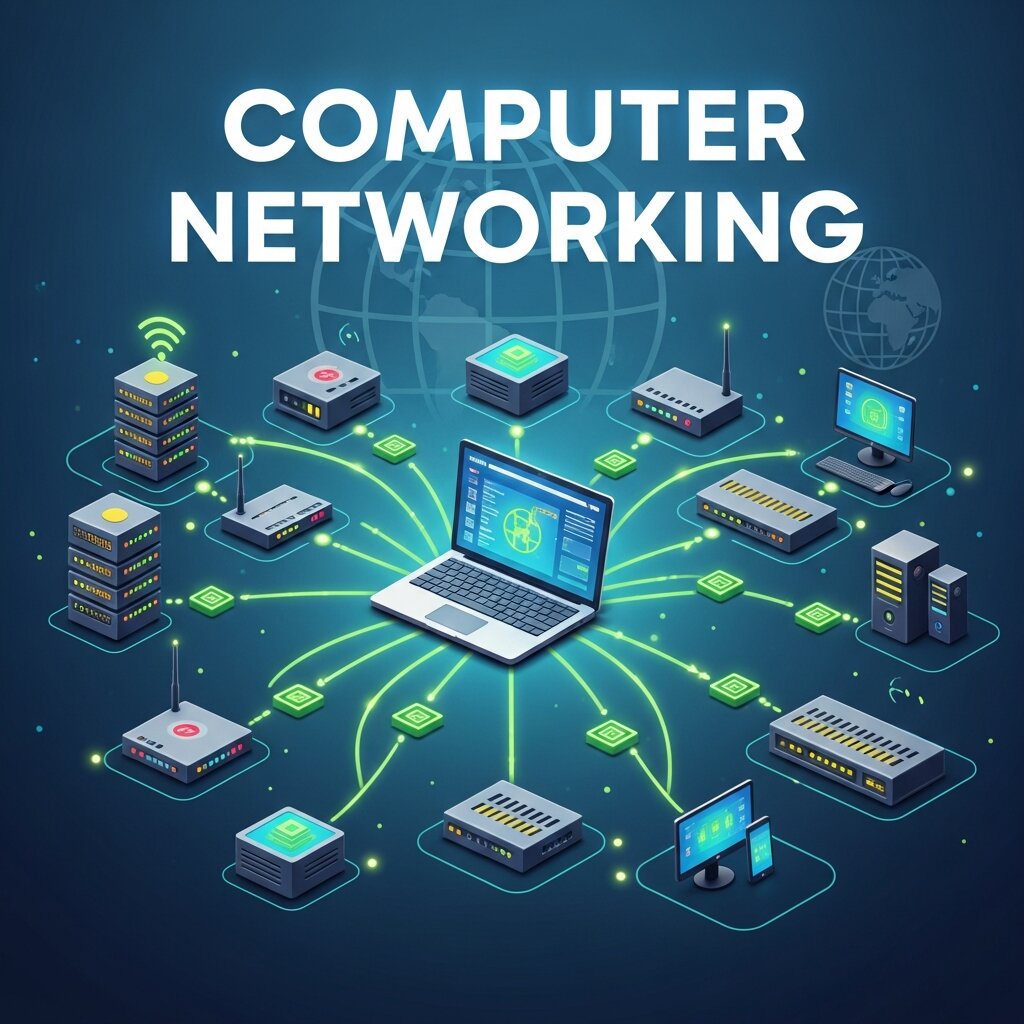
Every time you stream a video, send a message, or load a webpage, something extraordinary happens behind the scenes. In a fraction of a second, data travels across vast networks of cables, routers, and wireless signals to reach your screen. That invisible infrastructure? It’s computer networking—and it’s the backbone of the modern internet.
Most people interact with the internet dozens of times a day without thinking much about how it actually works. But understanding computer networking isn’t just for IT professionals. It helps explain why your connection drops, how your smart devices talk to each other, and why some websites load faster than others. More importantly, it reveals just how remarkable it is that global communication happens at the speed it does.
This post breaks down the fundamentals of computer networking, explores the key technologies that keep the internet running, and explains how it all connects to the digital experiences you have every day. Whether you’re a tech enthusiast, a student exploring computer systems technology, or simply someone who’s curious about what happens when you hit “send”—this one’s for you.
What Is Computer Networking, and Why Does It Matter?
At its core, computer networking is the practice of connecting computers and other devices so they can share data and resources. These connections can be wired or wireless, local or global, simple or extraordinarily complex.
A network can be as small as two laptops sharing files in the same room, or as large as the entire internet—a global system of interconnected networks that links billions of devices across every continent. The internet itself is essentially a network of networks, all operating under shared rules and protocols that allow different systems to communicate seamlessly.
Without computer networking, there is no internet. No cloud storage. No email. No video calls. Every piece of computer technology that relies on connectivity owes its existence to networking principles established over the past several decades.
The Building Blocks: Key Components of a Computer Network
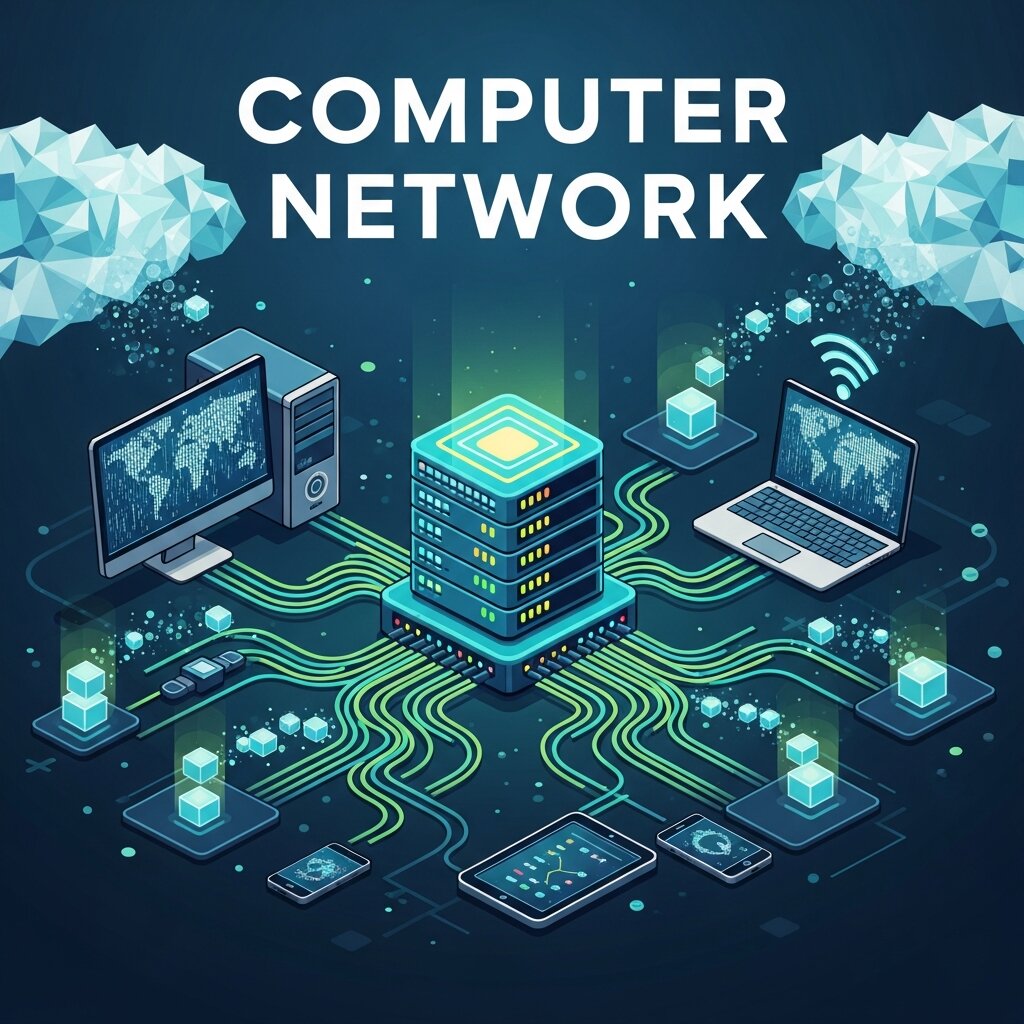 To understand how networks function, it helps to know the major components that make them work.
Nodes and Devices
Every device connected to a network is called a node. This includes computers, smartphones, tablets, printers, servers, and even smart home devices. Each node has a unique identifier—an IP address—that allows other devices to locate and communicate with it.
Routers and Switches
Routers are the traffic directors of computer networking. They receive data packets and forward them toward their destination, choosing the most efficient path available. Switches, on the other hand, operate within local networks, connecting devices and directing traffic between them without sending data out to the broader internet.
Transmission Media
Data travels through networks via transmission media—either physical cables (like fiber optic or Ethernet cables) or wireless signals (like Wi-Fi and cellular networks). Fiber optic cables, which transmit data as pulses of light, are currently the fastest and most reliable medium available. They form the backbone of long-distance internet infrastructure, spanning continents and crossing oceans on the seafloor.
Protocols
Protocols are the agreed-upon rules that govern how data is transmitted across a network. The most foundational of these is the Internet Protocol (IP), which handles addressing and routing. Paired with the Transmission Control Protocol (TCP), it forms TCP/IP—the standard communication framework for the internet. Other protocols, like HTTP and HTTPS, govern how web pages are requested and delivered.
How Data Actually Travels Across a Network
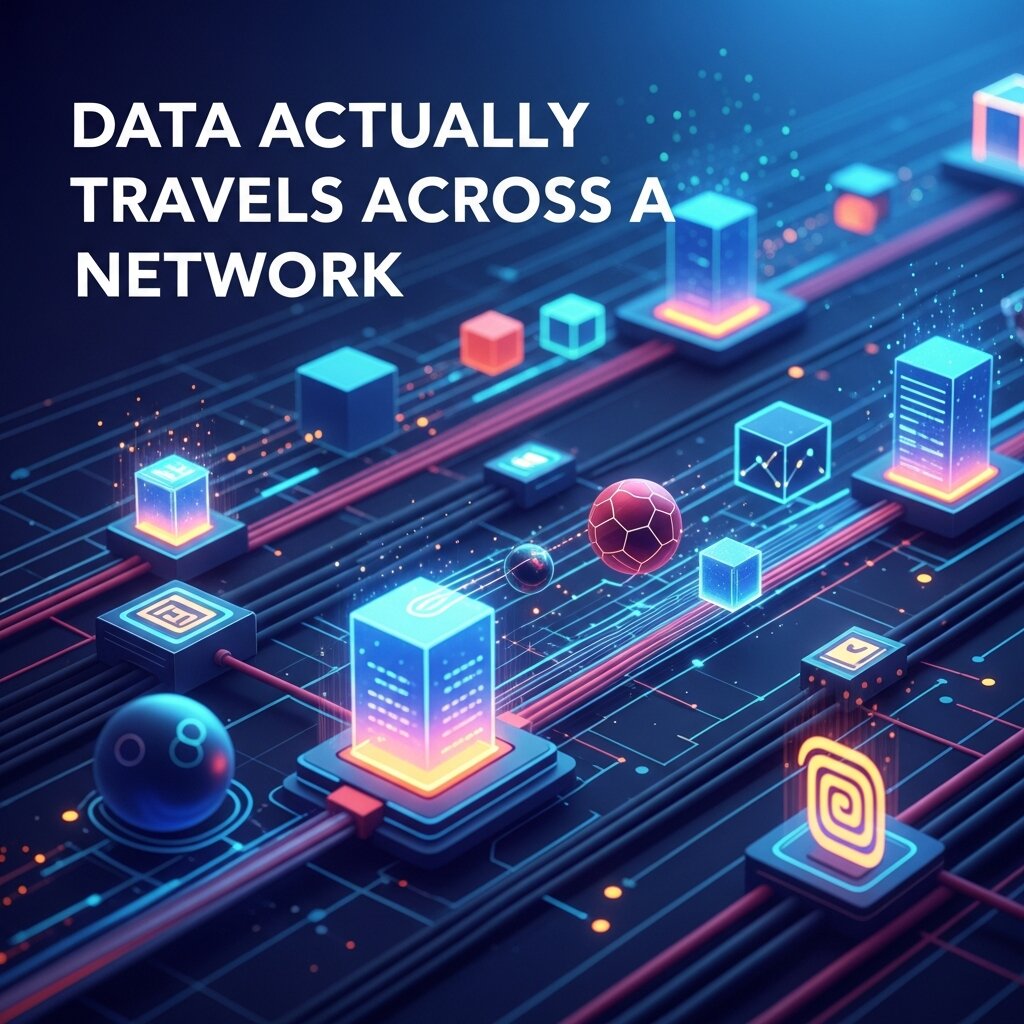 When you visit a website, your computer doesn’t receive the page as one giant file. Instead, data is broken into smaller units called packets. Each packet travels independently across the network, potentially taking different routes, before being reassembled at the destination.
This approach—known as packet switching—is what makes the internet so resilient. If one route is congested or unavailable, packets simply take another path. It’s far more efficient than maintaining a single dedicated connection for every communication, which is how older telephone networks worked.
Here’s a simplified version of what happens when you search for something online:
- Your device sends a request, broken into packets, to your router.
- The router forwards those packets to your Internet Service Provider (ISP).
- The ISP routes the packets through a series of networks until they reach the server hosting the website.
- The server responds with its own packets containing the requested data.
- Those packets travel back through the network, are reassembled, and the webpage appears on your screen.
All of this happens in milliseconds. The speed and reliability of this process depends heavily on the quality of the underlying computer networking infrastructure.
Types of Networks: From Local to Global
Not all networks are the same. Computer networking spans several scales, each serving a different purpose.
Local Area Networks (LANs)
A LAN connects devices within a limited area—like a home, school, or office. When you connect your laptop and phone to the same home Wi-Fi network, you’re using a LAN. Devices on a LAN can share files, printers, and internet access through a single router.
Wide Area Networks (WANs)
WANs span larger geographic areas—cities, countries, or the globe. The internet is the world’s largest WAN. Businesses often use private WANs to connect offices in different locations, creating a secure internal network that spans great distances.
Metropolitan Area Networks (MANs)
MANs sit between LANs and WANs, typically covering a city or large campus. Municipal Wi-Fi networks and city-wide surveillance systems are common examples of MAN infrastructure.
Wireless Networks
Wi-Fi and cellular networks have transformed how people connect. Modern Wi-Fi standards, like Wi-Fi 6 and the emerging Wi-Fi 7, deliver faster speeds and better performance in crowded environments. Meanwhile, 5G cellular networks are pushing mobile connectivity to new heights, enabling computer technology solutions that weren’t feasible with older generations of wireless tech—including smart city infrastructure and real-time remote surgery.
The Role of the Cloud in Modern Networking
 Cloud computing has fundamentally changed what computer networking needs to support. Rather than storing data and running software on local machines, users now access resources hosted on remote servers. Every time you use Google Drive, Netflix, or Slack, you’re relying on cloud infrastructure.
This shift has placed enormous demands on network capacity and reliability. Cloud providers like Amazon Web Services, Microsoft Azure, and Google Cloud operate massive data centers connected by high-speed, redundant networks. These facilities are linked to the broader internet through internet exchange points (IXPs)—physical locations where different networks interconnect to exchange traffic efficiently.
The explosion of cloud computing has also driven innovation in computer systems technology, particularly around software-defined networking (SDN). SDN allows network administrators to manage traffic flow through software rather than configuring hardware manually—making networks more flexible and easier to scale.
Network Security: Protecting the Infrastructure That Connects Us
With so much data flowing through networks, security is a critical concern. Cyber threats—from malware and phishing attacks to large-scale distributed denial-of-service (DDoS) attacks—target the very infrastructure that keeps the internet running.
Firewalls, encryption, virtual private networks (VPNs), and intrusion detection systems are all tools used to protect network integrity. Encryption, in particular, plays a vital role in securing data in transit. When you see “HTTPS” in a web address, it means the connection between your browser and the server is encrypted—making it much harder for third parties to intercept your data.
As networks grow more complex, security must scale with them. The rise of the Internet of Things (IoT)—billions of connected smart devices, from thermostats to industrial sensors—has expanded the attack surface considerably, creating new challenges for network security professionals.
Emerging Trends Shaping the Future of Computer Networking
Computer networking is not a static field. It evolves rapidly in response to new demands, new technologies, and new ideas.
Edge Computing
Rather than sending all data to centralized cloud servers, edge computing processes data closer to where it’s generated—on local devices or nearby servers. This reduces latency significantly, which is critical for applications like autonomous vehicles and real-time manufacturing systems.
Intent-Based Networking
Intent-based networking uses artificial intelligence to automate network management. Instead of configuring networks manually, administrators define what they want the network to do, and AI handles the technical implementation. This represents a major step forward in computer technology solutions for large-scale enterprise environments.
Quantum Networking
Still largely in the research phase, quantum networking promises theoretically unhackable communication by using the principles of quantum mechanics to transmit data. While practical quantum networks are years away from widespread deployment, early experiments—including quantum key distribution between ground stations and satellites—suggest enormous potential.
The Network Behind Everything You Do Online
It’s easy to take the internet for granted. Pages load, messages arrive, and videos stream—all without any visible effort. But beneath every digital interaction lies a sophisticated web of computer networking technologies, protocols, and physical infrastructure that spans the globe.
From the fiber optic cables running under the ocean to the router sitting in your living room, every component plays a role in making a connected life possible. Understanding how computer networking works isn’t just intellectually satisfying—it gives you a clearer picture of the technology shaping communication, commerce, and culture. The internet didn’t appear fully formed. It was built, piece by piece, through decades of innovation in computer systems technology. And with advances in 5G, edge computing, and AI-driven networks, that process of building is far from over.



Leave a Reply