

When a computer starts to slow down, most users immediately point the finger at their physical components. They assume their processor is outdated, their memory is insufficient, or their hard drive is failing. While those physical components dictate the absolute limits of a machine’s capabilities, the actual user experience relies heavily on an invisible layer of code. Operating systems act as the ultimate directors of your device, determining exactly how effectively those physical components function.
Without this essential layer of management, even the most expensive processor would sit idle. The operating system serves as the central orchestrator, making real-time decisions about which applications get priority, how memory is distributed, and when data is written to disk. It is the critical bridge connecting computer software to computer hardware, ensuring they communicate efficiently.
Understanding this dynamic allows you to troubleshoot issues more effectively and make better decisions when upgrading or maintaining your devices. You will discover why simply adding more memory does not always solve system lag, and why a freshly installed environment often feels drastically faster than one that has been running for years.
By exploring the intricate relationship between your system’s core software and its physical parts, you can uncover the true drivers of speed and efficiency. Let us examine exactly how operating systems manage resources, handle intensive tasks, and ultimately define your computing experience.
The Bridge Between Computer Hardware and Software
 To understand performance, you must first understand the fundamental role of the operating system. At its core, it is a complex piece of computer software designed to manage computer hardware. Applications like web browsers, video editors, and video games do not communicate directly with your processor or graphics card. Instead, they send requests to the operating system, which then translates those requests into instructions the hardware can execute.
This translation process requires computational power. A highly optimized operating system executes these translations with minimal delay. Conversely, an inefficient or bloated system introduces latency with every request. This is why a lightweight Linux distribution can make a ten-year-old laptop feel incredibly responsive, while a heavy, feature-rich system might struggle on the exact same machine. The physical capabilities have not changed, but the efficiency of the translation layer has.
Operating systems manage this communication through components called drivers. Drivers are specialized programs that teach the operating system how to talk to specific hardware parts. If a driver is poorly coded or outdated, it acts as a bottleneck. The hardware might be capable of transferring data at lightning speeds, but if the driver limits the flow of information, the entire system slows down. Keeping drivers updated is one of the most effective ways to ensure your operating system can fully leverage your hardware’s potential.
Masterful Memory Management
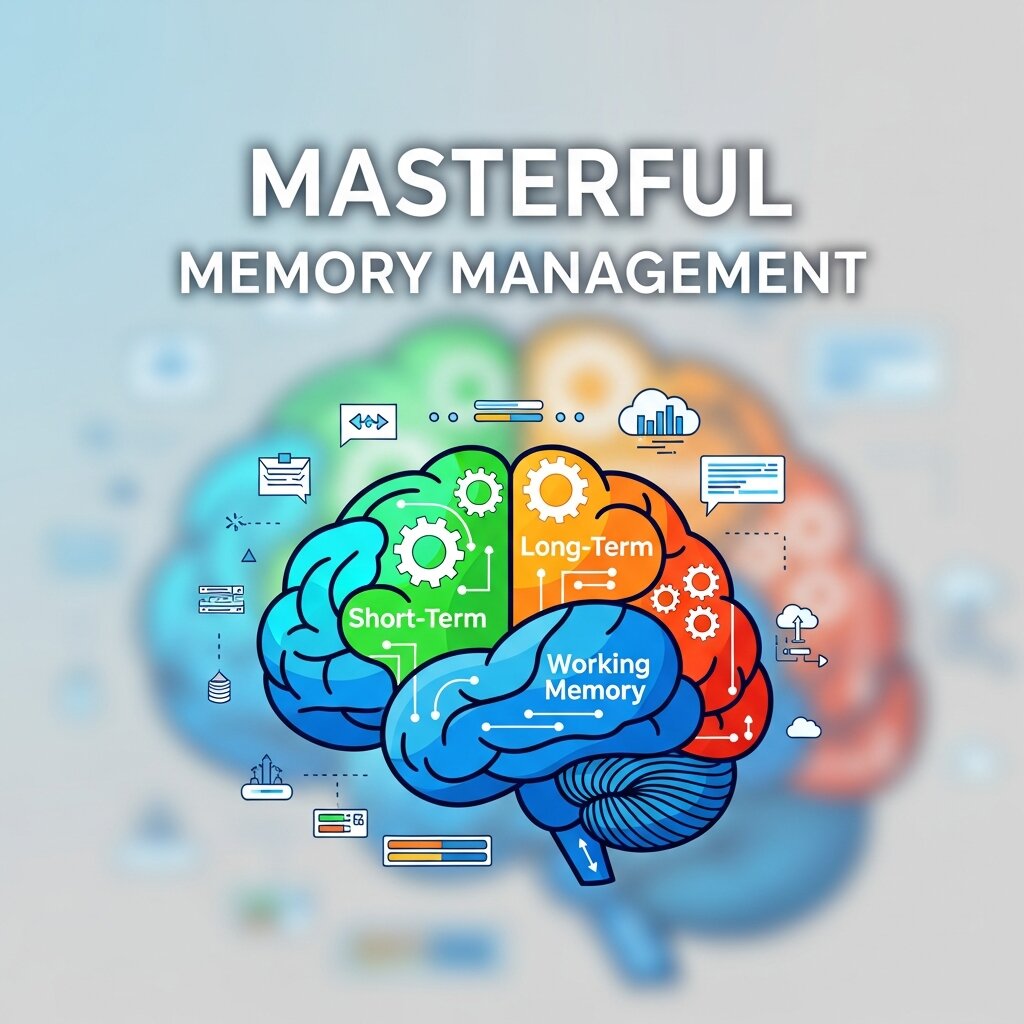 One of the most critical responsibilities of any operating system is managing Random Access Memory (RAM). When you open an application, the operating system loads the necessary files from your storage drive into RAM, where the processor can access them almost instantly. How operating systems allocate, track, and reclaim this memory directly impacts how fast your computer feels during everyday use.
Dynamic RAM Allocation
Modern operating systems use dynamic allocation to ensure every running application has the memory it needs without starving the others. When you have multiple browser tabs open, alongside a music player and a word processor, the system is constantly shifting memory boundaries. If an application requests more memory than is physically available, the operating system must make a difficult choice. It cannot simply crash the program. Instead, it employs a technique to keep things running, albeit at a reduced speed.
The Impact of Virtual Memory
When physical RAM fills up, the operating system creates a temporary overflow space on your storage drive, known as virtual memory or a paging file. It moves data that has not been used recently out of the fast RAM and onto the slower storage drive. When that data is needed again, it swaps it back into RAM.
This process, called swapping or paging, prevents system crashes but heavily impacts performance. Because even the fastest Solid State Drives (SSDs) are drastically slower than RAM, excessive swapping leads to noticeable lag. An efficient operating system anticipates these needs, preemptively compressing memory or intelligently deciding which background processes to page out, thereby minimizing the performance hit when you switch between active tasks.
Process Scheduling and CPU Optimization
Your computer’s Central Processing Unit (CPU) is a powerhouse, but it can only do so many things at once. Even with multi-core processors, there are often thousands of individual threads competing for attention. Operating systems use a component called a process scheduler to manage this chaotic traffic jam.
The Illusion of Multitasking
When you are watching a video, downloading a file, and typing a document simultaneously, the computer appears to be doing all three things at the exact same time. In reality, the processor is rapidly switching between these tasks millions of times per second. The operating system’s scheduler decides which process gets access to the CPU, and for exactly how long, before pausing it and moving to the next one.
If the scheduler gives too much time to a background update, your video might stutter. If it gives too much time to the video, your keystrokes might register with a delay. The algorithm powering this scheduler must balance responsiveness for user-facing tasks with the throughput needed for background operations.
Context Switching Overhead
Every time the processor switches from one task to another, there is a tiny delay known as context switching. The operating system must save the current state of the first task, clear the CPU’s immediate memory, and load the state of the second task. While this takes fractions of a millisecond, doing it unnecessarily millions of times per second drains performance. Superior operating systems minimize context switching by intelligently grouping similar tasks and fully utilizing multiple processor cores to run distinct processes in parallel rather than rapidly switching between them.
Storage Efficiency and File Systems
How fast your computer boots up, launches applications, and saves files depends heavily on how the operating system interacts with your storage drives. This interaction is governed by the file system, a structured method the operating system uses to organize, store, and retrieve data.
Navigating Disk I/O Operations
Input/Output (I/O) operations represent the data flowing to and from your storage drive. Operating systems must sequence these read and write requests efficiently. If a system tries to read a hundred small files scattered across a drive simultaneously, performance crawls.
Modern operating systems utilize caching techniques to speed this up. They keep frequently accessed files stored in unused RAM. When you open a program you use every day, the operating system might actually pull it from this lightning-fast cache rather than reading it from the disk again. Furthermore, they use write-caching, where data intended for the disk is temporarily held in memory and written in large, efficient batches rather than small, sporadic chunks.
File System Architecture
Different operating systems use different file systems (such as NTFS for Windows, APFS for macOS, and ext4 for Linux). These architectures determine how data is indexed. A highly optimized file system allows the operating system to locate the exact physical location of a file in nanoseconds. It also prevents fragmentation, a scenario where parts of a single file are scattered across different areas of the drive, requiring extra time to piece back together. The choice and maintenance of a file system represent a massive underlying factor in long-term computer performance.
Computer Networking and Connectivity
 In an era where almost every application requires internet access, computer networking is no longer a secondary function. It is a core component of system performance. Operating systems manage the complex network stack, handling how data packets are sent, received, and processed over Wi-Fi or Ethernet.
Network Stack Optimization
When you stream a high-definition movie or engage in competitive online gaming, thousands of data packets flow into your machine every second. The operating system must inspect these packets, assemble them in the correct order, and deliver them to the appropriate application.
If the operating system’s networking protocols are poorly optimized, this process consumes excessive CPU power, leading to system-wide sluggishness. High-performance operating systems feature streamlined network stacks that can process massive amounts of bandwidth with minimal processor overhead. They also prioritize time-sensitive packets—like voice data from a video call—over less critical traffic like a background software update, ensuring a smooth user experience even on congested networks.
Graphical Interfaces and Hardware Acceleration
The visual elements of an operating system—the windows, animations, shadows, and cursors—require rendering. In early computing, the main processor handled all this visual generation. Today, operating systems leverage hardware acceleration to offload this graphical work to the Graphics Processing Unit (GPU).
By routing the Graphical User Interface (GUI) rendering to the GPU, the operating system frees up the main CPU to focus on running applications and processing logic. However, heavy animations and transparency effects still require resources. Operating systems that offer the ability to disable these visual flourishes provide a massive performance boost for older or budget-friendly hardware, demonstrating once again how software choices dictate hardware capability.
Managing Security Overhead
Security is paramount, but it comes at a computational cost. Operating systems employ firewalls, real-time malware scanning, and encryption protocols to protect your data. Every file you open and every website you visit is scanned and verified.
Balancing this security overhead with performance is a constant challenge for software developers. Operating systems must execute these checks deep within their architecture to prevent malicious software from bypassing them, but they must do so efficiently. Built-in security tools designed specifically for the operating system often perform better than third-party antivirus computer software because they are integrated directly into the core kernel, minimizing redundant scanning and reducing the tax on system resources.
FAQ: Operating Systems and Computer Performance
1. Why does my computer slow down even if I have good hardware?
Because performance is not only about hardware. The operating system (OS) manages how CPU, RAM, and storage are used. If it becomes overloaded, inefficient, or poorly optimized, even strong hardware can feel slow.
2. What exactly does an operating system do?
An OS acts as a middle layer between software and hardware. It handles tasks like memory allocation, CPU scheduling, file management, device drivers, and network communication so applications can run properly.
3. Can adding more RAM fix all performance issues?
Not always. More RAM helps only when memory is the bottleneck. If the OS, CPU scheduling, storage speed, or background processes are the real issue, adding RAM alone won’t solve the slowdown.
4. What is virtual memory and why does it slow down my PC?
Virtual memory uses your storage drive as temporary RAM when physical memory is full. Since storage (even SSDs) is much slower than RAM, heavy use of virtual memory causes lag.
5. Why does my computer feel faster after reinstalling the operating system?
A fresh OS installation removes accumulated junk files, broken registry entries, unnecessary startup programs, and background processes, resulting in a cleaner and more efficient system.
6. What are drivers and why are they important?
Drivers are small programs that let the OS communicate with hardware like the GPU, printer, or network card. Outdated or faulty drivers can create bottlenecks and reduce performance.
7. What is CPU scheduling in simple terms?
It’s how the operating system decides which tasks get CPU time and for how long. Since the CPU can’t truly do everything at once, it rapidly switches between tasks to create the illusion of multitasking.
8. Does my file system affect performance?
Yes. File systems (like NTFS, ext4, APFS) control how data is stored and retrieved. A well-optimized file system improves speed, reduces fragmentation issues, and makes file access faster.
9. Why do background apps slow down my computer?
Because they consume CPU cycles, RAM, and disk access. The OS must divide resources between active tasks and background processes, which can reduce responsiveness if too many are running.
10. How does the operating system affect internet speed or networking?
The OS manages the network stack, which processes data packets. Poor optimization or heavy system load can delay packet processing, affecting browsing, streaming, or gaming performance.
Maximizing Your System’s Potential
Your computer’s physical components lay the groundwork, but the operating system builds the house. By managing memory allocation, CPU scheduling, storage access, and computer networking, this vital layer of software dictates the rhythm and speed of your digital life.
When your computer feels sluggish, evaluating your operating system’s health is just as important as checking your hardware. Keeping your system updated ensures you have the latest performance algorithms and driver optimisations. Removing unused startup programs relieves pressure on the CPU scheduler and frees up valuable RAM.
Ultimately, realizing the full potential of your computer requires recognizing the profound partnership between your physical hardware and the code that commands it. By treating your operating system not just as a visual interface, but as a dynamic, resource-managing engine, you can maintain a fast, responsive, and efficient environment for years to come.



Leave a Reply