


Choosing the wrong information technology systems doesn’t just slow your business down—it can set it back by years. Poor system choices lead to wasted budgets, frustrated employees, and security vulnerabilities that take time and money to fix. Getting it right from the start matters more than most business leaders realize.
The good news? With the right framework, selecting computer technology solutions that actually fit your organization is entirely achievable. This guide walks you through everything you need to know—from understanding what IT systems are and why they matter, to the key evaluation criteria that separate smart investments from expensive mistakes.
Whether you’re building your IT infrastructure from scratch or upgrading aging systems, the principles here apply. By the end, you’ll have a clear roadmap for making informed, confident decisions about the technology that powers your business.
What Are Information Technology Systems?
Information technology systems are the integrated combination of hardware, software, networks, data, and people that organizations use to collect, process, store, and distribute information. They are the backbone of modern business operations—enabling everything from payroll processing and customer relationship management to cybersecurity and cloud computing.
Computer information technology spans a wide range of tools and platforms. At its core, an IT system supports business functions by automating manual tasks, improving data accuracy, and enabling faster decision-making. The scope of these systems varies enormously depending on the size and nature of the organization.
For a small business, an IT system might consist of a cloud-based accounting platform, a few laptops, and a shared email server. For an enterprise, it could include complex ERP software, proprietary data warehouses, thousands of endpoints, and a dedicated security operations center. What counts as the “right” system depends entirely on your specific context.
Why the Right IT Systems Are Critical to Business Success
 Organizations that invest strategically in computer systems technology gain measurable advantages over those that don’t. Productivity improves when employees have tools that work efficiently. Customer experiences strengthen when data is accurate and accessible. Revenue opportunities expand when teams can act on real-time insights.
Conversely, outdated or mismatched systems create friction at every level. Employees waste time on manual workarounds. Data silos prevent departments from sharing critical information. Cybersecurity gaps expose the business to costly breaches. According to IBM’s Cost of a Data Breach Report 2023, the average cost of a data breach reached $4.45 million globally—a figure that underscores the stakes of poor IT decision-making.
Beyond risk mitigation, the right information technology systems create a foundation for growth. Scalable platforms grow with your business. Cloud-based solutions reduce infrastructure costs. Integrated systems eliminate redundant processes. The ROI of getting this right compounds over time.
How to Assess Your Organization’s IT Needs
Before evaluating any specific computer technology solutions, you need a clear picture of where your organization stands and where it’s headed.
Start with a technology audit
A technology audit inventories your existing hardware, software, and network infrastructure. It identifies what’s working, what’s failing, and what’s nearing end-of-life. Document every system currently in use, including the departments that rely on them and the data they handle.
This audit serves two purposes. First, it reveals redundancies—tools that overlap in function and could be consolidated. Second, it highlights critical gaps, such as missing cybersecurity measures or outdated platforms that no longer receive vendor support.
Define your business requirements
Technology exists to serve business goals, not the other way around. Before assessing any system, document the specific business problems you’re trying to solve. Are you struggling with inventory management? Is your customer support team losing track of tickets? Are remote employees unable to collaborate effectively?
Engage stakeholders from across the organization during this process. IT decisions made in isolation—without input from finance, operations, HR, or sales—often result in systems that technically work but fail to meet real-world needs. Gathering cross-functional requirements upfront prevents costly implementation failures down the line.
Map your growth trajectory
The IT systems you select today need to accommodate your business two, three, or five years from now. A platform that handles 50 employees may buckle under the demands of 500. A software solution built for a single office may not support multi-location operations.
Consider your growth plans carefully. Are you planning to expand into new markets? Launch new product lines? Acquire other businesses? Build these scenarios into your IT requirements so that scalability becomes a non-negotiable selection criterion.
Key Criteria for Evaluating Information Technology Systems
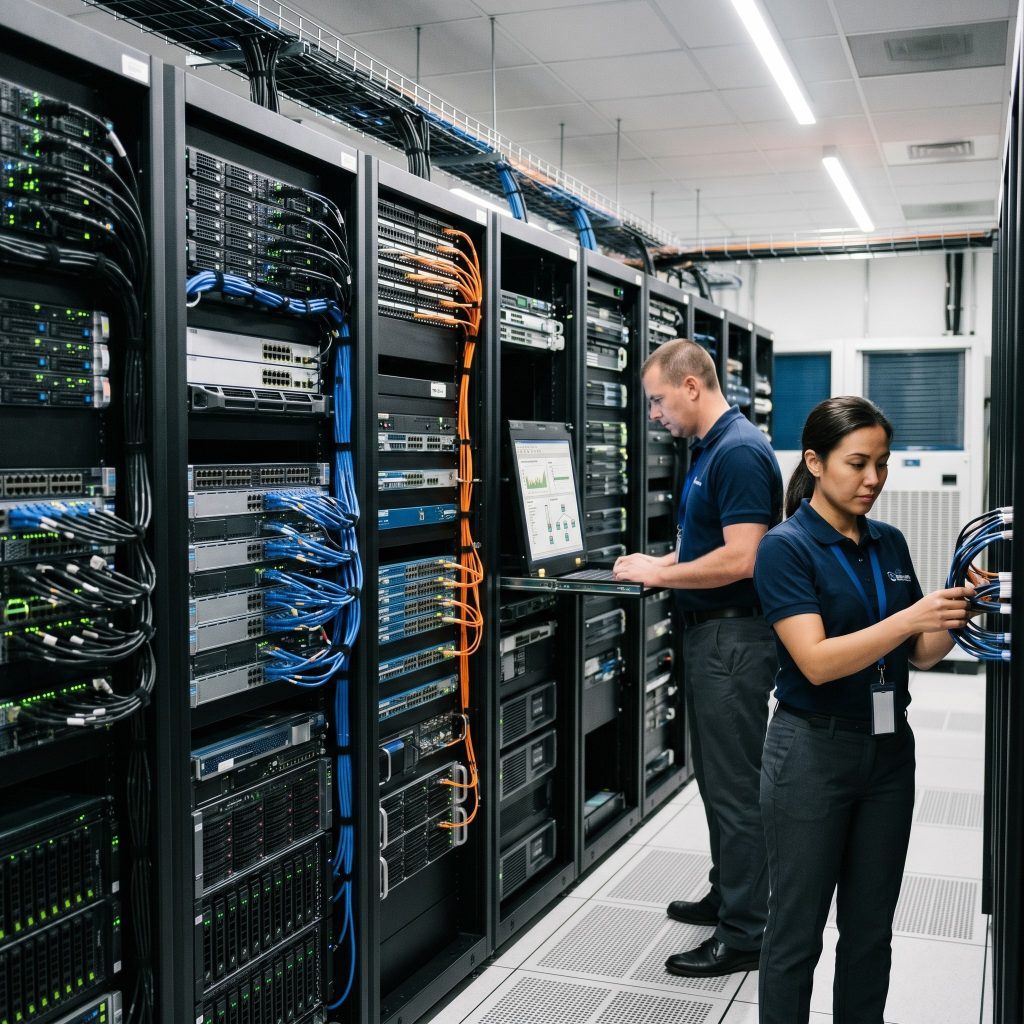 With your requirements defined, you can begin evaluating specific systems. The following criteria provide a structured framework for comparison.
Scalability and flexibility
A scalable system grows alongside your business without requiring a complete overhaul. Cloud-based platforms, in particular, offer flexible capacity that can be adjusted as your needs change. Look for systems that support modular expansion—allowing you to add users, features, or integrations without replacing the core platform.
Integration capabilities
Modern businesses rely on multiple software platforms simultaneously. Your CRM needs to talk to your marketing automation tool. Your ERP needs to sync with your supply chain management system. Poor integration between computer information technology platforms creates data silos and manual handoffs that drain productivity.
Prioritize systems with robust API support and pre-built integrations with the tools you already use. Before committing to any platform, verify that integration is genuinely seamless—not just theoretically possible.
Security and compliance
Security is non-negotiable in any IT evaluation. Assess each system’s built-in security features: encryption standards, access controls, multi-factor authentication, and audit logging. For industries subject to regulatory requirements—healthcare, finance, legal—verify that the system supports relevant compliance frameworks such as HIPAA, SOC 2, or GDPR.
Ask vendors directly about their incident response procedures, data backup policies, and history of security breaches. A vendor’s transparency here tells you a great deal about how seriously they take security.
Total cost of ownership
The sticker price of a system rarely reflects its true cost. Factor in implementation fees, training costs, ongoing licensing, infrastructure requirements, and the internal IT resources required to maintain the platform. Some systems appear affordable upfront but carry high hidden costs over time.
Build a five-year cost model for each option under consideration. This longer view often reveals that a higher upfront investment in a more capable platform delivers better value than a cheaper solution that requires frequent upgrades or workarounds.
Vendor support and reliability
Technology is only as good as the support behind it. Evaluate each vendor’s track record for uptime, response time, and customer service quality. Review independent user feedback on platforms like G2 or Gartner Peer Insights to get an unfiltered view of the support experience.
Pay particular attention to the vendor’s financial stability and product roadmap. A company with a strong development pipeline signals that the platform will continue to improve. A vendor showing signs of stagnation—or worse, instability—may leave you stranded with unsupported software in the future.
Common Types of Information Technology Systems for Businesses
Understanding the major categories of computer systems technology helps clarify which types of systems your organization actually needs.
Enterprise Resource Planning (ERP) systems integrate core business processes—accounting, procurement, project management, and supply chain—into a single platform. SAP, Oracle, and Microsoft Dynamics are leading examples. ERPs are particularly valuable for mid-sized to large organizations with complex operational requirements.
Customer Relationship Management (CRM) platforms centralize customer data, sales pipelines, and support interactions. Salesforce, HubSpot, and Zoho CRM are widely adopted across industries. A well-implemented CRM directly improves customer retention and revenue forecasting accuracy.
Human Resource Information Systems (HRIS) automate workforce management tasks including payroll, benefits administration, performance management, and compliance reporting. Workday, BambooHR, and ADP are common choices for growing organizations.
Cybersecurity systems protect your data and infrastructure from threats. This category includes endpoint protection, firewalls, identity and access management platforms, and security information and event management (SIEM) tools. As cyber threats grow more sophisticated, cybersecurity systems have moved from optional to essential for businesses of all sizes.
Cloud infrastructure and storage platforms underpin modern IT environments. Amazon Web Services (AWS), Microsoft Azure, and Google Cloud dominate this space, offering scalable computing power, storage, and networking capabilities on a pay-as-you-go basis.
How to Build a Successful IT Implementation Plan
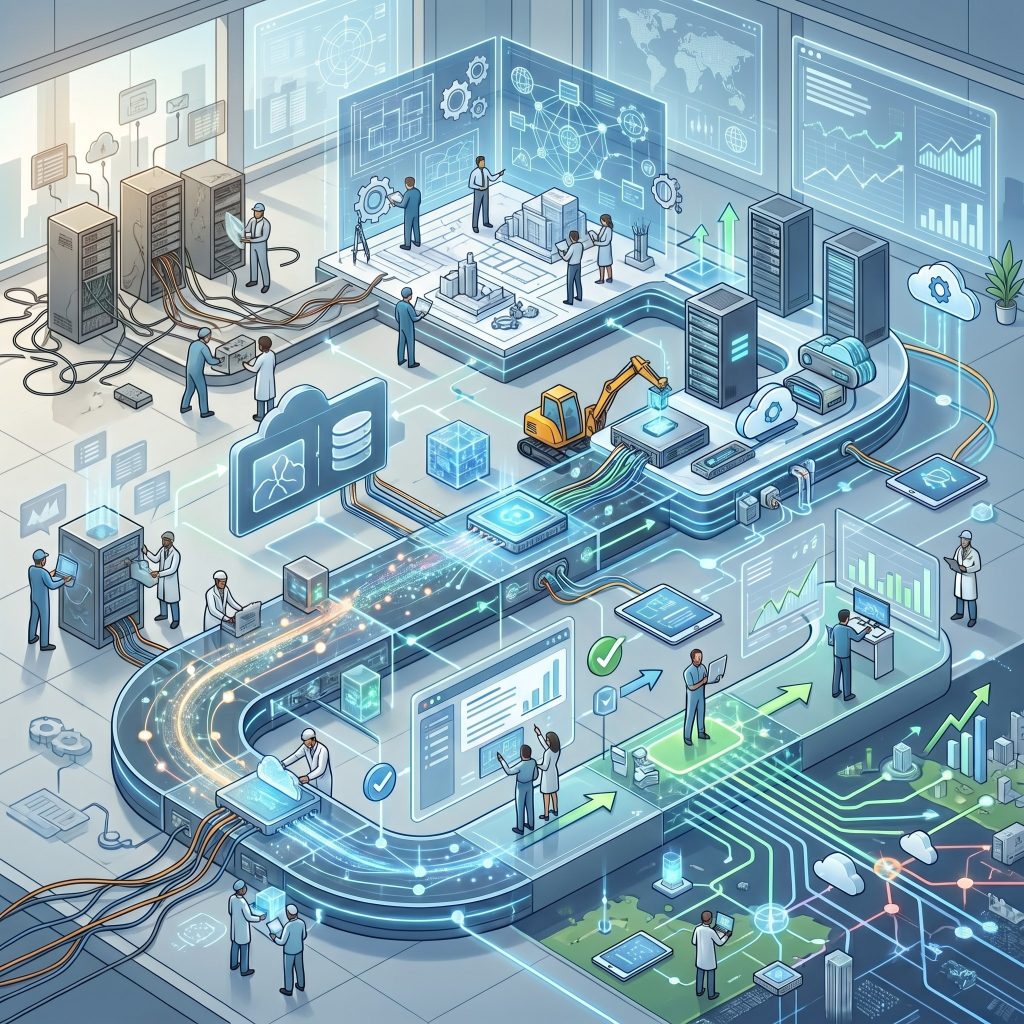 Selecting the right system is only half the battle. Implementation quality determines whether that investment delivers its promised value.
Assemble a cross-functional implementation team
IT implementations that succeed involve more than the technology department. Assign clear ownership to a project lead, and include representatives from every business unit that will use the system. Their input during configuration reduces the likelihood of adoption problems later.
Prioritize change management
Resistance to new technology is one of the most common reasons IT projects fail. Employees accustomed to existing workflows may view new systems as disruptive rather than helpful. Proactive change management—including clear communication about why the change is happening, early involvement of end-users, and comprehensive training—significantly improves adoption rates.
Phase your rollout strategically
Rolling out a major IT system across an entire organization simultaneously amplifies risk. A phased approach—launching first with a pilot group, gathering feedback, and refining the configuration before broader deployment—reduces disruption and allows for course corrections before they become costly.
Measure outcomes against defined benchmarks
Define success metrics before implementation begins. These might include system uptime targets, user adoption rates, reduction in manual processing time, or cost savings. Tracking these benchmarks post-launch confirms whether the system is delivering its intended value and identifies areas for optimization.
Making the Final Decision
After completing your evaluation, you’ll likely have two or three strong contenders. At this stage, request detailed product demonstrations tailored to your specific use cases—not generic walkthroughs. Ask each vendor to show you exactly how their system handles the scenarios most critical to your business.
Reference checks with existing customers in your industry are equally valuable. A vendor’s willingness to connect you with customers who have similar profiles is a positive signal. Hesitation here warrants scrutiny.
Finally, negotiate carefully. IT contracts often have room for price adjustments, additional training, extended support terms, or phased payment structures. Understanding exactly what’s included—and what isn’t—prevents unpleasant surprises after the contract is signed.
Build the IT Foundation Your Business Deserves
The right information technology systems do more than keep the lights on—they create a competitive advantage that compounds over time. Businesses that invest thoughtfully in computer technology solutions are better positioned to operate efficiently, protect their data, and scale without friction.
Start with a clear understanding of your business requirements. Evaluate systems against consistent criteria. Plan your implementation carefully. And revisit your IT strategy regularly, because the technology landscape—and your business—will keep evolving.



Leave a Reply