

Growth comes with growing pains. As your customer base expands, so do your demands for storage, processing power, and reliable systems that won’t buckle under pressure. For many small and mid-sized businesses, the traditional answer was to buy more servers, hire more IT staff, and hope the budget could keep up. That model is fading fast.
Cloud computing has changed the rules. Instead of sinking money into computer hardware that sits in a back room, businesses can now rent the exact resources they need, when they need them. It’s flexible, affordable, and built to grow alongside you.
In this post, we’ll walk through the biggest advantages cloud computing offers growing businesses—from cost savings to security to collaboration. By the end, you’ll have a clear sense of why so many companies are making the switch, and how it could benefit your own operations.
What Is Cloud Computing, Exactly?
Before diving into the benefits, it helps to define the term. Cloud computing is the delivery of computing services—including storage, servers, databases, computer software, and networking—over the internet. Rather than owning and maintaining physical infrastructure, you access these resources from a provider like Amazon Web Services, Microsoft Azure, or Google Cloud.
Think of it like electricity. You don’t build a power plant to light your office; you simply plug in and pay for what you use. Cloud computing applies that same logic to technology. You tap into a vast network of remote servers, and the heavy lifting happens somewhere else entirely.
There are three main service models worth knowing:
- Infrastructure as a Service (IaaS): You rent the basic building blocks—servers, storage, and computer networking—and manage the rest yourself.
- Platform as a Service (PaaS): You get a ready-made environment to build and run applications, without worrying about the underlying hardware.
- Software as a Service (SaaS): You use software hosted in the cloud, accessed through a browser. Think Gmail, Slack, or Salesforce.
Now that the basics are clear, let’s look at why this technology is such a game-changer for businesses on the rise.
Lower Costs and Smarter Spending
 One of the most immediate advantages of cloud computing is the reduction in upfront costs. Building an on-site data center means buying expensive computer hardware, licensing software, and paying for the space and electricity to keep it all running. For a growing business, that’s a heavy financial burden. The cloud flips this around. Most providers operate on a pay-as-you-go model, so you only pay for the resources you actually use. There’s no need to overspend on capacity you might need someday. If your needs spike during a busy season, you scale up. When things quiet down, you scale back—and your bill follows.
This shift also moves IT spending from a capital expense to an operating expense. Instead of a massive one-time purchase, you have predictable monthly costs that are easier to budget for. For many small businesses, that predictability is a relief. There are hidden savings, too. You spend less on maintenance, fewer hours troubleshooting hardware failures, and less on the physical space required to house servers. Those small efficiencies add up over time.
Effortless Scalability
Scalability might be the single most valuable feature of cloud computing for a growing company. Your needs today won’t match your needs a year from now, and the cloud is built to handle that change.
Imagine launching a marketing campaign that drives a sudden flood of traffic to your website. With traditional infrastructure, you’d risk crashes and slowdowns unless you’d already invested in extra capacity. With the cloud, you can add resources in minutes to absorb the surge, then dial them back when the rush passes.
This elasticity works in both directions. You’re never stuck paying for idle servers, and you’re never caught short when demand climbs. For businesses with seasonal patterns or unpredictable growth, this flexibility is invaluable.
Scaling also extends beyond raw computing power. Need more storage as your data grows? More user accounts as you hire? Additional computer software licenses as you expand into new markets? The cloud accommodates all of it without major disruption.
Better Collaboration and Remote Access
Teams no longer sit in the same building, let alone the same city. Cloud computing makes distributed work not just possible but seamless. When files and applications live in the cloud, your team can access them from anywhere with an internet connection. A designer in one country can edit a shared document while a manager in another reviews it in real time. There’s no emailing files back and forth, no confusion over which version is the latest.
This connectivity relies on solid computer networking behind the scenes, but for the end user, it simply works. Tools like cloud-based project management software, shared drives, and video conferencing platforms keep everyone aligned, regardless of location. For growing businesses, this opens doors. You can hire the best talent without geographic limits, support flexible work arrangements that boost employee satisfaction, and keep projects moving even when people are spread across time zones.
Stronger Security and Reliability
Security worries hold some businesses back from the cloud, but the reality is often the opposite of what they fear. Major cloud providers invest enormous resources into protecting their systems—far more than most small businesses could ever afford on their own. Reputable providers offer encryption, regular security updates, multi-factor authentication, and round-the-clock monitoring. Their teams of experts work constantly to identify and patch vulnerabilities. For a small company without a dedicated security staff, that level of protection is hard to match in-house.
Reliability is another strong point. Cloud providers spread data across multiple locations, so if one server fails, your operations continue without interruption. Many guarantee uptime of 99.9% or higher in their service agreements. Disaster recovery deserves a mention here as well. A fire, flood, or hardware crash can wipe out on-site data in an instant. With cloud-based backups, your information stays safe in remote locations, ready to restore quickly. That peace of mind alone justifies the move for many business owners.
Automatic Updates and Less IT Headache
Keeping software current is a constant chore. Patches, upgrades, and compatibility checks eat up time and attention that could go toward growing the business. Cloud computing takes much of that off your plate. When you use cloud-based services, the provider handles updates automatically. Your computer software stays current with the latest features and security fixes, often without you noticing any disruption. There’s no need to manually install patches across every machine in the office. This frees your IT team to focus on work that actually moves the needle. Instead of maintaining hardware and chasing updates, they can build tools, improve processes, and support strategic goals. For a lean team, that shift in focus is a major advantage.
Faster Innovation and Competitive Edge
 Speed matters when you’re competing against larger, more established players. Cloud computing levels the playing field by giving smaller businesses access to powerful tools that were once out of reach. Want to experiment with artificial intelligence, data analytics, or machine learning? Cloud platforms offer these capabilities on demand, no massive investment required. You can test new ideas quickly, launch products faster, and respond to market changes before competitors even react. This agility is a genuine competitive edge. A startup using cloud-based tools can punch well above its weight, accessing the same advanced computer software and infrastructure that giant corporations rely on. The barrier to entry has never been lower.
Reduced Environmental Impact
Sustainability has become a real priority for businesses and their customers alike. Cloud computing can help here, too. Large cloud data centers are designed for efficiency, often running far more efficiently than individual on-site servers. When many businesses share the same infrastructure, resources get used more effectively, which cuts down on wasted energy. Many leading providers have committed to running their operations on renewable power. By moving to the cloud, your business reduces its own energy consumption and physical footprint. It’s a small step that aligns with broader environmental goals—and one that increasingly matters to eco-conscious customers and partners.
Improved Business Agility Through Cloud Computing
Business environments change quickly, and organizations need the ability to adapt without major disruptions. Cloud computing provides the flexibility required to respond to changing market conditions, customer demands, and growth opportunities. Whether launching a new product, entering a new market, or supporting a sudden increase in users, cloud services allow businesses to deploy resources rapidly. Traditional infrastructure often requires weeks or months of planning and investment, while cloud-based solutions can be adjusted in minutes. This agility enables companies to test ideas, implement changes, and respond to customer needs faster than competitors. For growing businesses, the ability to adapt quickly can be a significant advantage that supports innovation, resilience, and long-term success.
Enhanced Data Management and Accessibility
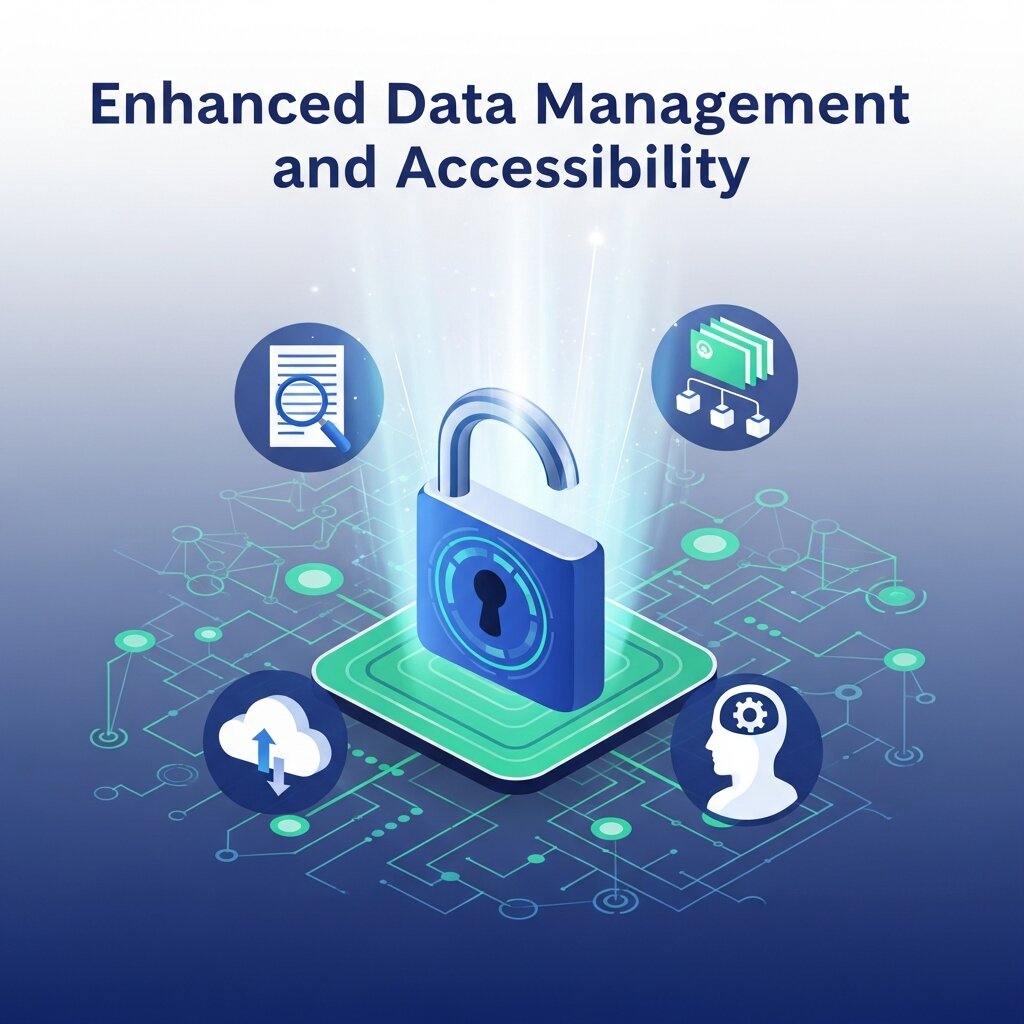 As businesses grow, managing large volumes of data becomes increasingly challenging. Cloud computing simplifies data management by providing centralized storage that can be accessed securely from multiple locations. Employees can retrieve important documents, customer information, and business applications whenever they need them, improving productivity and decision-making. Cloud platforms also offer advanced search, backup, and synchronization capabilities that help keep data organized and up to date. Instead of dealing with scattered files across different devices and servers, businesses can maintain a single source of truth. This improved accessibility ensures teams work with accurate information while reducing the risk of data loss, duplication, and version-control issues that often slow operations.
Frequently Asked Questions (FAQ)
1. What is cloud computing?
Cloud computing is the delivery of computing services such as storage, servers, databases, networking, and software over the internet. Instead of managing physical infrastructure, businesses can access these resources on demand through cloud service providers.
2. What are the main benefits of cloud computing for businesses?
Cloud computing offers several advantages, including lower IT costs, scalability, improved collaboration, enhanced security, automatic software updates, disaster recovery capabilities, and access to advanced technologies without significant upfront investment.
3. How does cloud computing reduce business costs?
Cloud computing eliminates the need to purchase and maintain expensive hardware and on-premises infrastructure. Most providers use a pay-as-you-go pricing model, allowing businesses to pay only for the resources they actually use.
4. Is cloud computing secure?
Yes. Leading cloud providers invest heavily in security measures such as encryption, multi-factor authentication, continuous monitoring, and regular security updates. In many cases, cloud environments offer stronger protection than traditional in-house systems.
5. What is the difference between IaaS, PaaS, and SaaS?
Infrastructure as a Service (IaaS) provides virtualized computing resources, Platform as a Service (PaaS) offers development and deployment environments, and Software as a Service (SaaS) delivers software applications through the internet without requiring installation on local devices.
6. How does cloud computing support remote work?
Cloud-based applications and storage systems allow employees to access files, software, and business data from anywhere with an internet connection. This improves collaboration, flexibility, and productivity for remote and hybrid teams.
7. Can small businesses benefit from cloud computing?
Absolutely. Cloud computing helps small businesses access enterprise-level technology without large upfront costs. It enables them to scale resources as needed, improve operational efficiency, and compete more effectively with larger organizations.
8. What is cloud scalability?
Scalability refers to the ability to increase or decrease computing resources based on demand. Businesses can quickly add storage, processing power, or user access during periods of growth and reduce resources when demand decreases.
9. How does cloud computing improve disaster recovery?
Cloud providers store data across multiple locations and offer automated backup solutions. This helps businesses recover quickly from hardware failures, cyberattacks, natural disasters, or accidental data loss.
10. What industries use cloud computing?
Cloud computing is widely used across industries, including healthcare, finance, education, retail, manufacturing, logistics, and technology. Organizations of all sizes rely on cloud services to improve efficiency and support growth.
Making the Move to Cloud Computing
The advantages of cloud computing are clear: lower costs, effortless scalability, better collaboration, stronger security, and the freedom to innovate. For growing businesses, these benefits aren’t just nice to have—they’re often the difference between keeping pace and falling behind.
Of course, moving to the cloud takes planning. Start by assessing your current setup and identifying which workloads would benefit most from migration. Many businesses begin with a single application or service, then expand as they grow comfortable. Choose a reputable provider, weigh your security needs, and don’t hesitate to consult an expert if you’re unsure where to begin.



Leave a Reply