

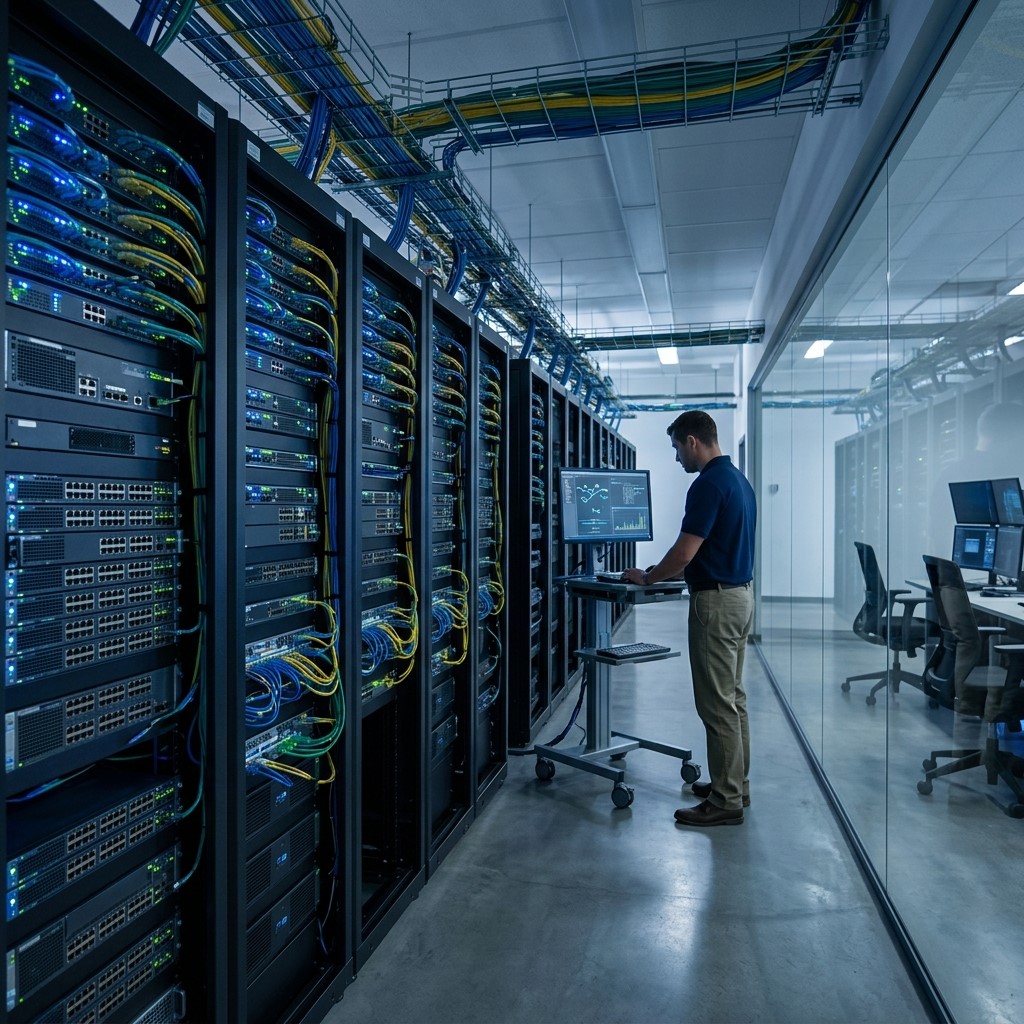
IT computer systems have become essential for businesses that want to remain competitive in a rapidly changing digital marketplace. Modern organizations rely on computers, networks, databases, software, cloud platforms, and security technologies to manage daily operations and deliver better customer experiences. Effective IT computer systems help companies automate repetitive processes, organize business information, improve communication, protect valuable data, and support faster decision-making.
What Are IT Computer Systems?
IT computer systems are combinations of hardware, software, networks, databases, applications, and supporting technologies that businesses use to manage information and perform operational activities. These systems can range from individual computers and servers to large enterprise technology environments.
Businesses use IT computer systems for communication, accounting, customer management, data storage, marketing, sales, inventory management, project coordination, cybersecurity, and many other functions. The exact technology setup depends on the size, industry, and operational requirements of each organization.
Modern IT environments are increasingly connected. Employees may use desktop computers, laptops, smartphones, cloud applications, databases, collaboration platforms, and specialized software within one integrated technology ecosystem.
Why IT Computer Systems Matter for Business Competitiveness
Improve Operational Efficiency
IT computer systems automate repetitive activities, organize information, and connect different business processes. This allows employees to complete routine tasks faster while spending more time on strategic responsibilities, customer service, problem-solving, and activities that directly contribute to organizational growth.
Support Faster Decision-Making
Businesses need accurate information to make effective decisions. IT computer systems can collect, organize, and present operational data, helping managers understand performance, identify trends, evaluate opportunities, and respond quickly when market conditions or customer expectations change.
Enable Business Innovation
Technology provides businesses with opportunities to introduce new services, improve existing processes, and experiment with innovative business models. Flexible IT computer systems allow organizations to adopt emerging technologies without completely rebuilding their operations from the beginning.
How IT Computer Systems Improve Business Productivity
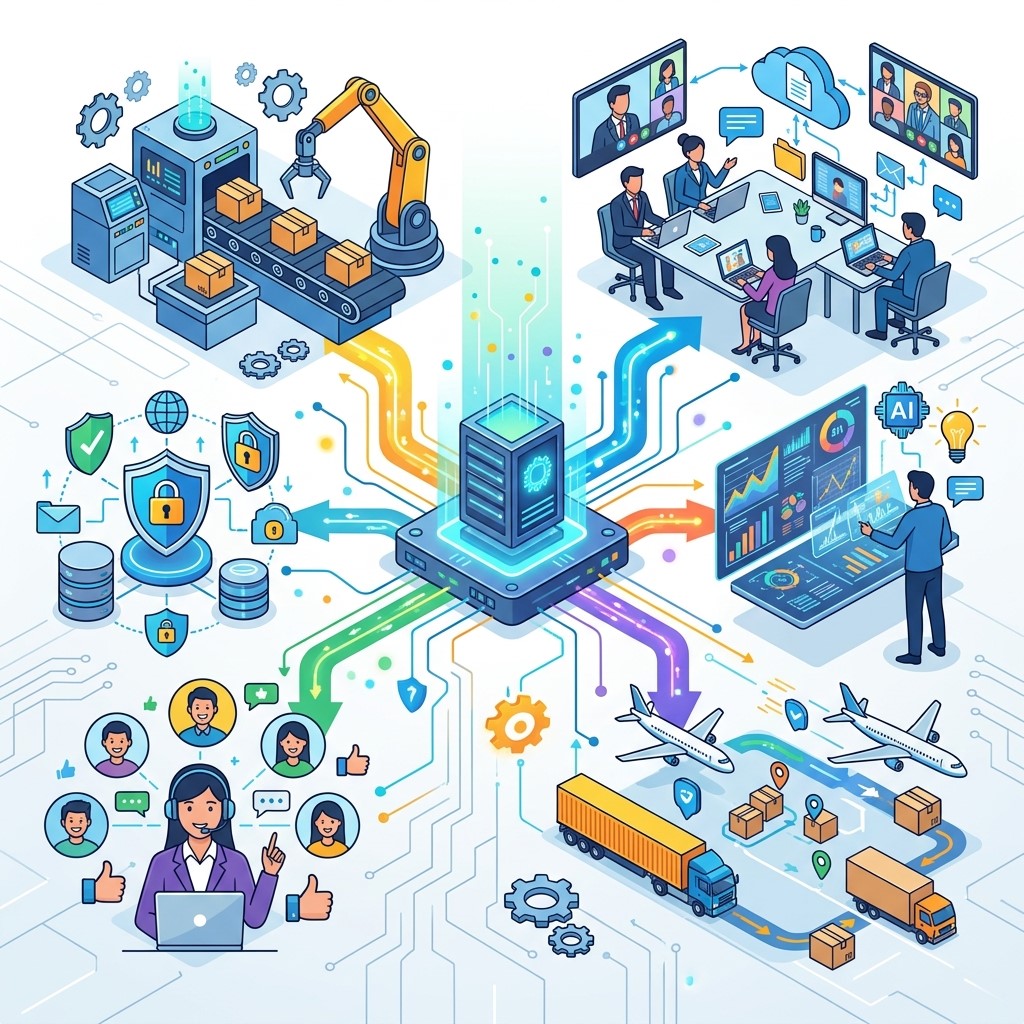
Automating Repetitive Tasks
Automation reduces the time employees spend performing repetitive activities such as data entry, document processing, reporting, scheduling, and routine communication. By allowing technology to handle predictable tasks, employees can focus more attention on complex responsibilities and productive business activities.
Improving Employee Collaboration
Connected IT computer systems make it easier for employees to communicate, share files, access information, manage projects, and collaborate across departments. Digital collaboration tools can help teams work together effectively even when employees operate from different locations or offices.
Reducing Operational Delays
Integrated technology systems can move information between departments without requiring employees to manually transfer every piece of data. Faster information flow can reduce bottlenecks, improve workflow coordination, and help organizations complete business processes with fewer unnecessary delays.
The Role of Database Management
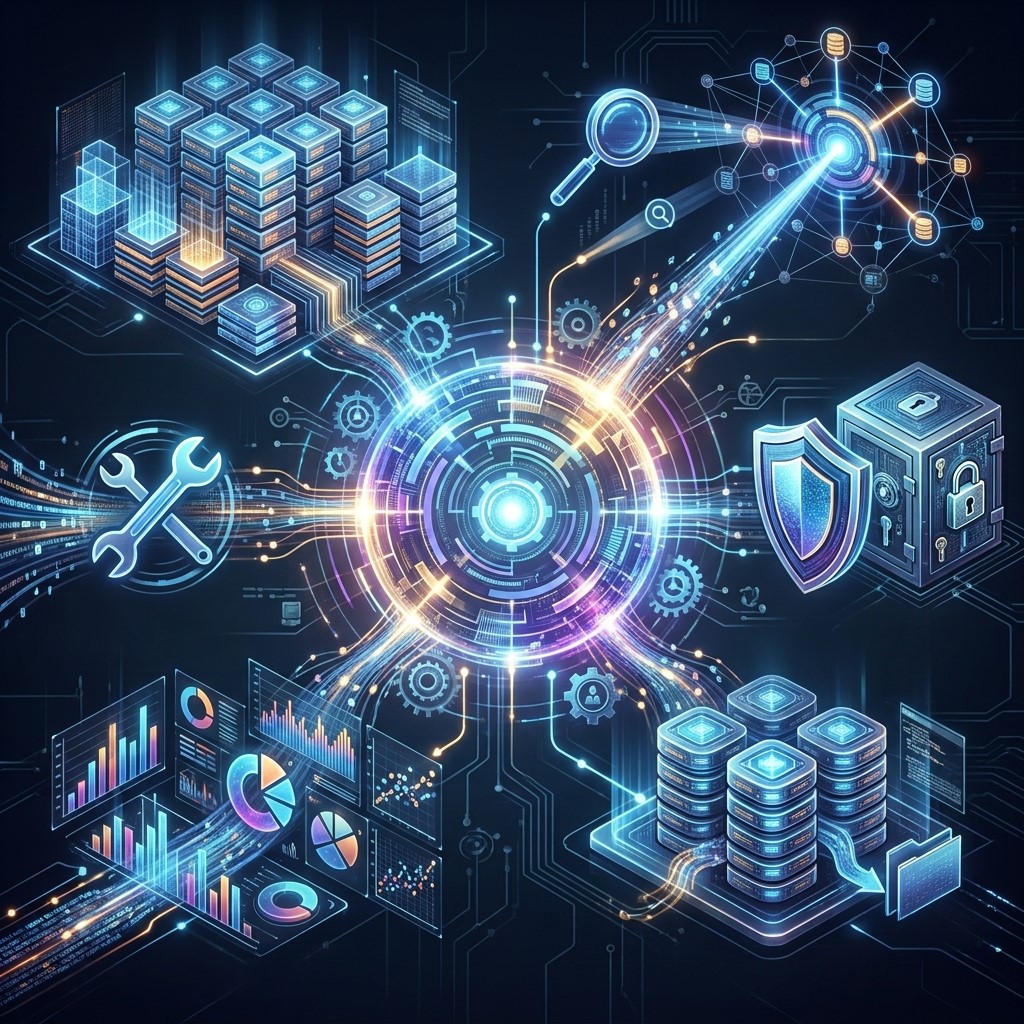 Database management is an important part of modern IT operations because businesses generate and store large amounts of information. Properly managed databases help organizations keep information structured, accessible, accurate, and secure.
Centralizing Business Information
Database management systems allow organizations to store customer records, sales information, inventory details, financial data, employee information, and operational records in organized environments. Centralized information makes it easier for authorized employees to access relevant data when needed.
Improving Data Accuracy
Poorly managed information can contain duplicate records, missing fields, outdated details, and inconsistent formats. Database management processes can help businesses establish rules for maintaining cleaner information and reducing errors that could negatively affect business decisions.
Supporting Business Analytics
Well-organized databases provide valuable information for reporting and analytics. Businesses can examine sales patterns, customer behavior, operational performance, and other important metrics to identify trends and make more informed strategic decisions.
IT Infrastructure Management and Business Growth
IT infrastructure management involves maintaining and optimizing the technology resources that support business operations. It may include servers, networks, computers, storage, cloud resources, security systems, applications, and other components.
Maintaining System Reliability
Reliable infrastructure ensures that employees can access the systems and applications they need to perform their responsibilities. Regular monitoring, maintenance, updates, and troubleshooting can reduce technology disruptions and help organizations maintain consistent operations.
Managing Technology Resources
IT infrastructure management helps businesses understand what technology resources they have, how those resources are being used, and where improvements may be necessary. Effective resource management can prevent unnecessary spending and improve overall system performance.
Supporting Scalable Operations
Businesses often need additional technology resources as they grow. A well-managed infrastructure can make it easier to add users, applications, storage, devices, and computing resources without causing major operational disruption.
How Computer Technology Systems Improve Customer Service
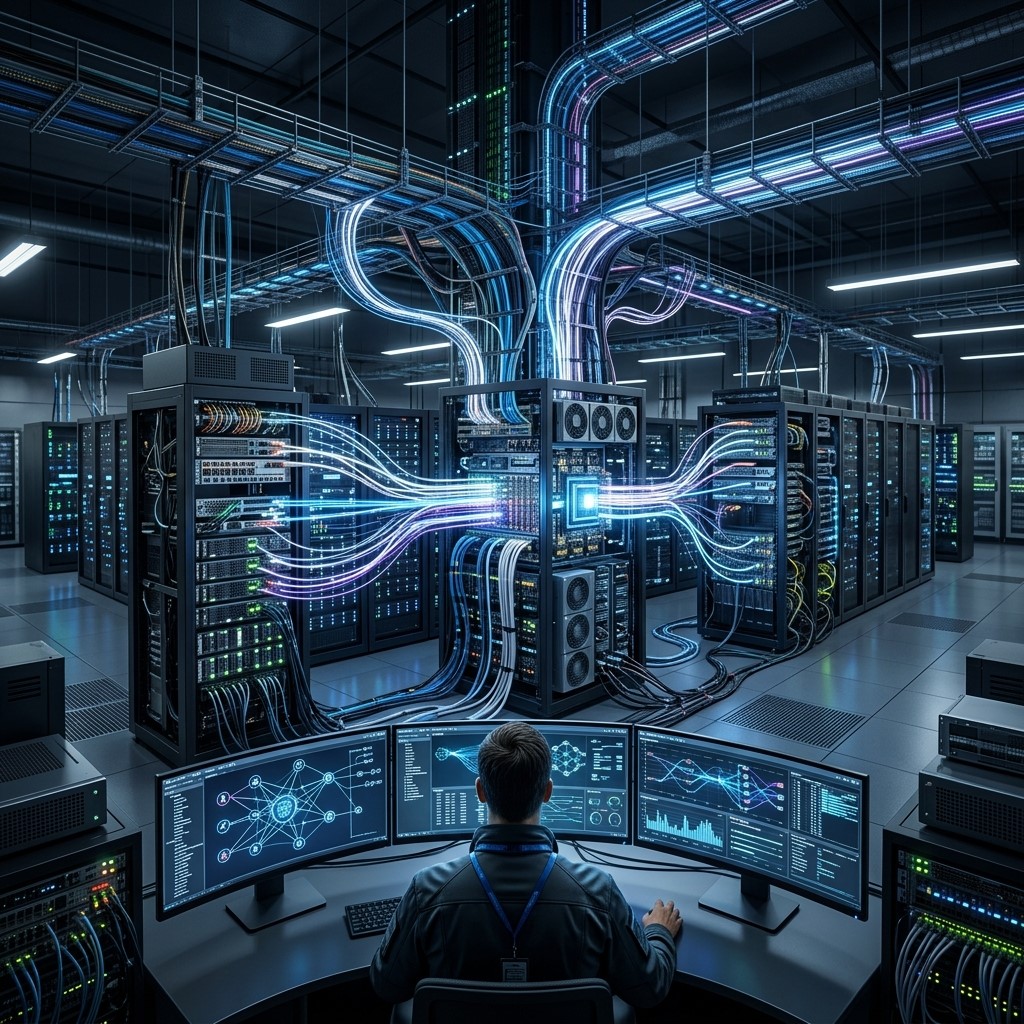 Customer expectations continue to increase as people become accustomed to fast digital experiences. Businesses can use computer technology systems to improve communication, service delivery, personalization, and response times.
Faster Customer Support
Customer service teams can use CRM platforms, communication tools, knowledge bases, and automated systems to access relevant information quickly. Faster access allows representatives to answer questions and resolve customer concerns more efficiently.
Personalized Experiences
IT computer systems can connect customer information from different interactions. Businesses can use this information to understand customer preferences, purchase history, and previous communications, allowing teams to provide more relevant experiences.
Improved Communication
Email platforms, messaging systems, customer portals, and collaboration technologies help businesses communicate with customers across multiple channels. Consistent communication can strengthen relationships and make businesses easier to interact with.
IT Computer Systems and Business Security
Cybersecurity is a critical part of maintaining business competitiveness. A security incident can cause financial losses, operational disruptions, reputational damage, and customer trust issues.
Protecting Business Data
IT computer systems can use access controls, encryption, authentication, backups, monitoring, and other security measures to protect important information. Businesses should establish security policies based on the sensitivity and importance of their data.
Managing User Access
Organizations can control access to systems based on employee roles and responsibilities. Limiting unnecessary access reduces the possibility of unauthorized changes or exposure of sensitive information.
Monitoring Technology Environments
Security and infrastructure monitoring can help businesses identify unusual activity, system problems, outdated software, and potential vulnerabilities. Regular monitoring allows organizations to investigate issues before they become larger operational problems.
How IT Computer Systems Support Remote Work
Providing Flexible Access
Cloud-based applications, virtual desktops, secure remote access, and collaboration platforms allow authorized employees to access business resources from different locations. This flexibility supports remote and hybrid working environments while maintaining access to important systems.
Connecting Distributed Teams
Employees working from different locations can communicate through video conferencing, messaging platforms, shared workspaces, and project management systems. Connected IT environments help maintain collaboration even when teams are geographically separated.
Maintaining Productivity
Remote employees need reliable access to applications, documents, communication tools, and business information. Well-designed IT computer systems provide the digital foundation required for employees to remain productive outside traditional office environments.
IT Systems and Competitive Advantage
Businesses can gain a competitive advantage when technology allows them to perform important activities more efficiently than competitors. IT computer systems can support this advantage by improving speed, accuracy, flexibility, and customer responsiveness.
Faster Business Processes
Automated and integrated systems can help businesses complete tasks more quickly. Faster processing can improve order fulfillment, customer support, reporting, communication, and internal decision-making.
Better Use of Information
Organizations that effectively manage information can identify customer needs, operational weaknesses, and market opportunities more quickly. Data becomes a strategic resource when businesses can turn information into useful insights.
Greater Business Agility
Agile technology environments allow organizations to respond to changing market conditions. Businesses can introduce new tools, modify workflows, expand digital services, and adjust technology resources as requirements evolve.
How Businesses Can Modernize IT Computer Systems
Assess Existing Infrastructure
Before making technology changes, businesses should evaluate their current hardware, software, networks, databases, security controls, and workflows. This assessment can identify outdated systems, performance problems, unnecessary costs, and opportunities for modernization.
Prioritize Business Needs
Technology investments should support measurable business objectives. Organizations can prioritize systems that improve productivity, customer service, security, scalability, data management, or other areas directly connected to strategic goals.
Adopt Cloud Technologies
Cloud computing can provide flexible access to computing resources, storage, applications, and collaboration services. Businesses can use cloud technologies to reduce dependence on physical infrastructure and support scalable operations.
Integrate Business Applications
Disconnected applications can create data silos and repetitive manual work. Integrating important systems can allow information to move more efficiently between departments and create a more connected operational environment.
Challenges of Managing IT Computer Systems
Technology Costs
Hardware, software, licensing, maintenance, security, and employee training can create significant expenses. Businesses should evaluate technology investments based on long-term value rather than focusing only on initial purchase costs.
Cybersecurity Risks
As businesses become more dependent on digital systems, they may face increasing cybersecurity risks. Strong authentication, regular updates, employee awareness, monitoring, backups, and security policies are essential for reducing exposure.
System Complexity
Large organizations may operate many applications, devices, databases, networks, and cloud services. Without effective IT infrastructure management, this complexity can make troubleshooting, security, maintenance, and resource planning more difficult.
Employee Training
New technology only creates value when employees know how to use it effectively. Businesses should provide appropriate training and documentation to help teams adopt new systems and avoid unnecessary operational mistakes.
Best Practices for IT Computer Systems
Establish Clear IT Policies
Businesses should create policies covering security, device management, software usage, data access, backups, updates, and acceptable technology practices. Clear policies provide employees with consistent guidance and reduce avoidable technology risks.
Keep Systems Updated
Outdated software and operating systems may create security vulnerabilities and compatibility problems. Regular updates help organizations maintain performance, security, and compatibility with modern applications and infrastructure.
Monitor Performance
Regular monitoring helps IT teams identify system slowdowns, network problems, storage limitations, unusual activity, and other issues. Proactive monitoring can prevent small technology problems from becoming major business disruptions.
Plan for Business Continuity
Organizations should prepare for hardware failures, cybersecurity incidents, system outages, and other disruptions. Backups, recovery procedures, redundant systems, and documented response plans can help businesses restore critical operations.
The Future of IT Computer Systems
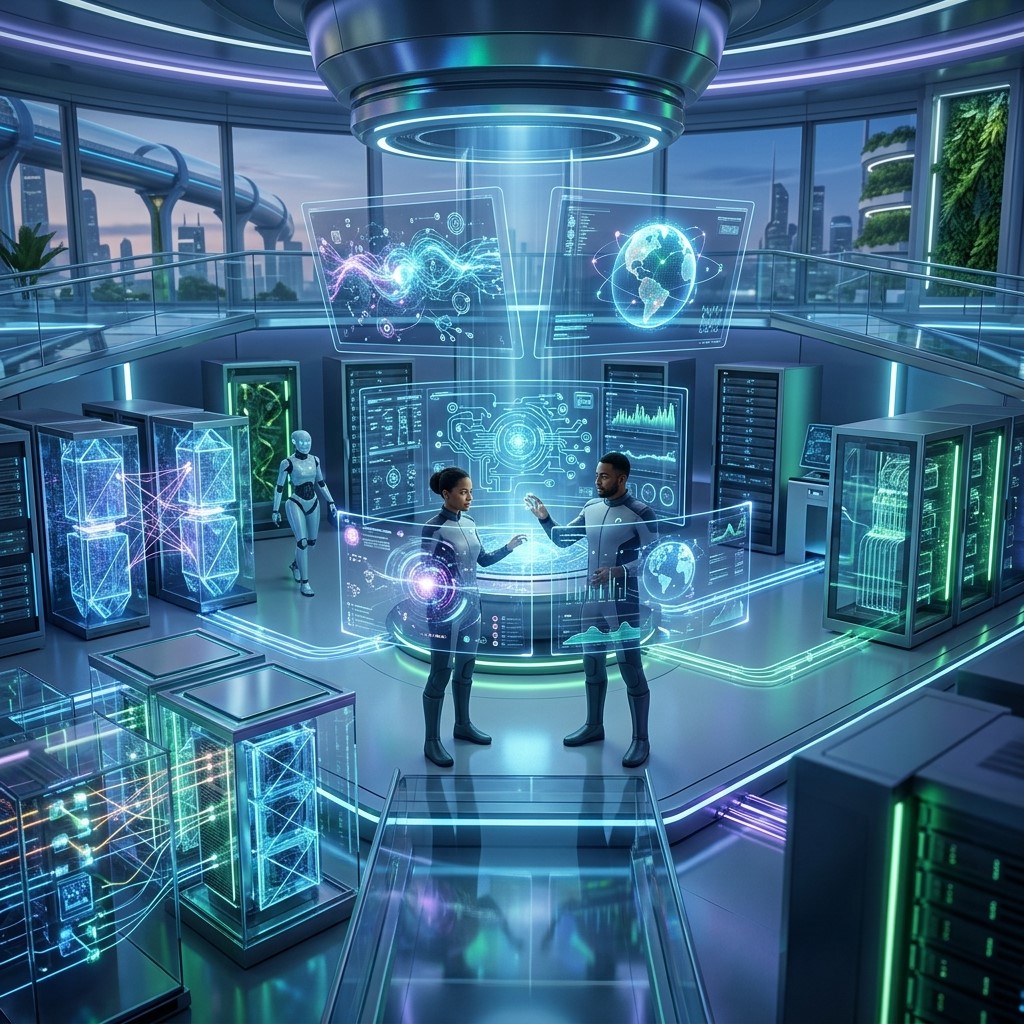 The future of IT computer systems will be shaped by cloud computing, artificial intelligence, automation, advanced cybersecurity, edge computing, data analytics, and increasingly connected business environments. Artificial intelligence can help businesses analyze large datasets, automate workflows, improve customer experiences, and support decision-making. Automation can reduce repetitive work, while cloud infrastructure can provide scalable technology resources.
At the same time, cybersecurity will become increasingly important as organizations depend on interconnected systems. Businesses will need to balance innovation with responsible data management, security, privacy, and infrastructure governance. Organizations that continuously evaluate their technology environments will be better positioned to adopt useful innovations while avoiding unnecessary complexity.
Frequently Asked Questions
What are IT computer systems?
IT computer systems are combinations of hardware, software, networks, databases, applications, and related technologies used to manage information and support business operations. They help organizations communicate, automate processes, store data, and deliver digital services.
Why are IT computer systems important for businesses?
IT computer systems improve productivity, communication, data management, security, customer service, and decision-making. They also help businesses automate repetitive processes and adapt their operations to changing market and customer requirements.
What is database management?
Database management is the process of organizing, storing, maintaining, securing, and accessing business information within database systems. Effective database management helps organizations maintain accurate information and use data for reporting and decision-making.
What is IT infrastructure management?
IT infrastructure management involves monitoring, maintaining, securing, and optimizing technology resources such as computers, servers, networks, storage systems, cloud environments, and business applications.
How do computer technology systems improve productivity?
Computer technology systems automate repetitive activities, improve communication, provide faster access to information, support collaboration, and reduce manual processes. These capabilities allow employees to complete tasks more efficiently and focus on higher-value responsibilities.
Can IT computer systems improve customer service?
Yes. Businesses can use CRM platforms, customer databases, communication tools, automation, and analytics to provide faster responses, personalize interactions, manage customer information, and improve the overall customer experience.
How do IT systems help businesses compete?
IT systems help businesses operate efficiently, respond quickly to customer needs, analyze information, automate processes, reduce delays, and introduce new digital services. These capabilities can help organizations differentiate themselves and respond effectively to competitors.
How can businesses improve their IT infrastructure?
Businesses can improve their infrastructure by assessing existing systems, upgrading outdated technology, improving cybersecurity, adopting scalable cloud services, integrating applications, monitoring performance, and providing employees with appropriate technology training.
What are common IT computer system challenges?
Common challenges include cybersecurity risks, technology costs, outdated systems, complex infrastructure, integration problems, data management issues, downtime, and employee training requirements. Proper planning and IT infrastructure management can help reduce these challenges.
What is the future of IT computer systems?
The future will include greater adoption of cloud computing, artificial intelligence, automation, advanced analytics, cybersecurity technologies, and connected systems. Businesses will increasingly use integrated technology environments to improve efficiency, security, scalability, and customer experiences.
Conclusion
IT computer systems are essential for businesses that want to remain competitive in a technology-driven economy. From improving productivity and customer service to supporting database management, security, analytics, and remote work, effective technology systems can influence almost every area of business operations.
Strong IT infrastructure management ensures that technology resources remain reliable, secure, and scalable. Meanwhile, computer technology systems provide businesses with the tools needed to automate processes, manage information, communicate effectively, and respond to changing customer expectations.



Leave a Reply