

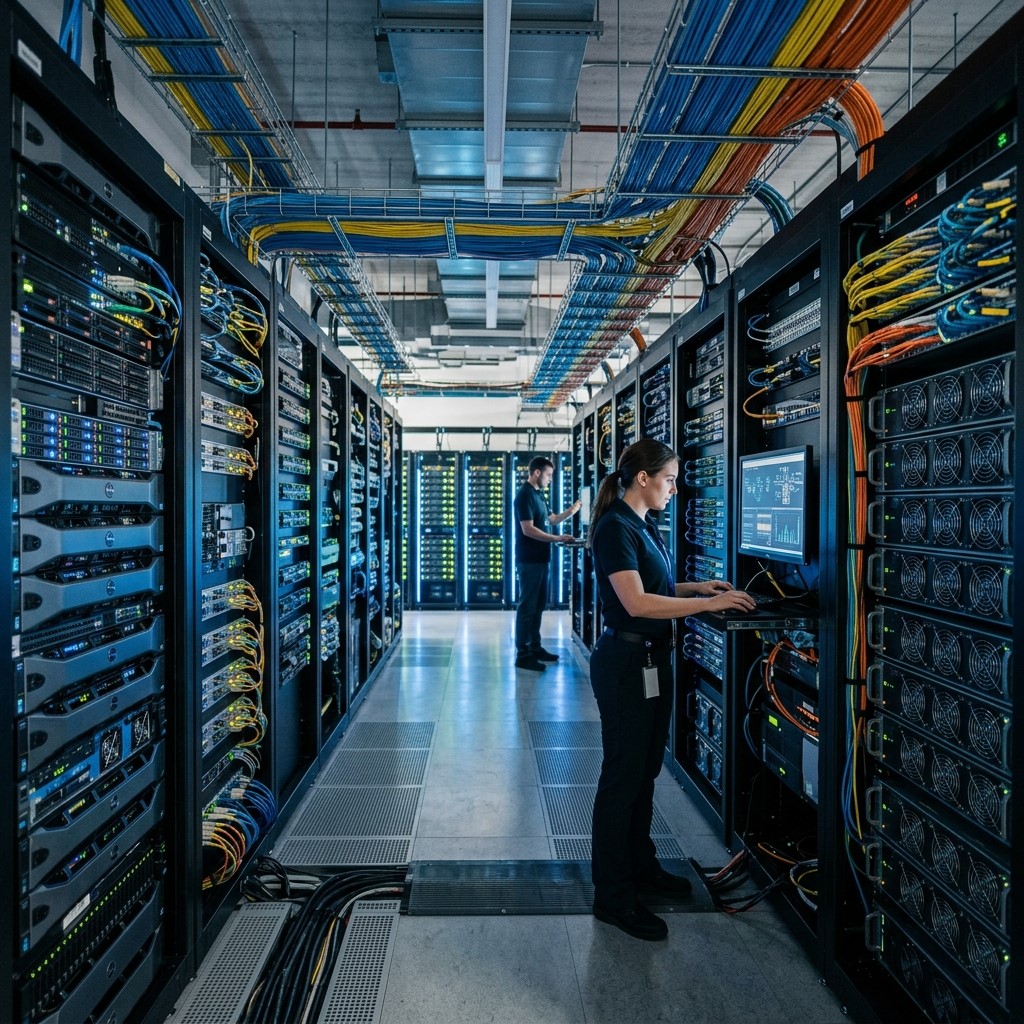
Modern businesses depend on technology to manage operations, communicate with customers, protect information, and compete in rapidly changing markets. Computer technology systems provide the foundation that connects hardware, software, networks, data, and digital processes into an efficient business environment.
From small businesses to large enterprises, organizations use IT computer systems to automate repetitive tasks, improve collaboration, support data-driven decisions, and deliver better customer experiences. As digital transformation continues, businesses that invest in reliable technology infrastructure can respond faster to opportunities and challenges.
Understanding how computer technology systems work and why they matter can help organizations make smarter technology investments. The right systems can improve productivity, strengthen security, reduce operational costs, and create a scalable foundation for long-term digital business success.
What Are Computer Technology Systems?
Computer technology systems are integrated combinations of hardware, software, networks, databases, and digital tools designed to process, store, manage, and exchange information. Businesses use these systems to perform daily operations and support strategic goals.
Core Components of Computer Technology Systems
Computer technology systems typically include computers, servers, storage devices, operating systems, applications, databases, and networking infrastructure. Together, these components allow organizations to manage information and perform essential business processes efficiently.
Hardware and Infrastructure
Hardware provides the physical foundation of a technology environment. Computers, servers, routers, switches, storage devices, and other equipment work together to support applications, communication, data processing, and business operations.
Software and Applications
Software enables businesses to perform specific tasks such as accounting, customer relationship management, inventory management, communication, analytics, and project coordination. Well-designed applications help employees complete work faster and with greater accuracy.
How Computer Technology Systems Improve Business Efficiency
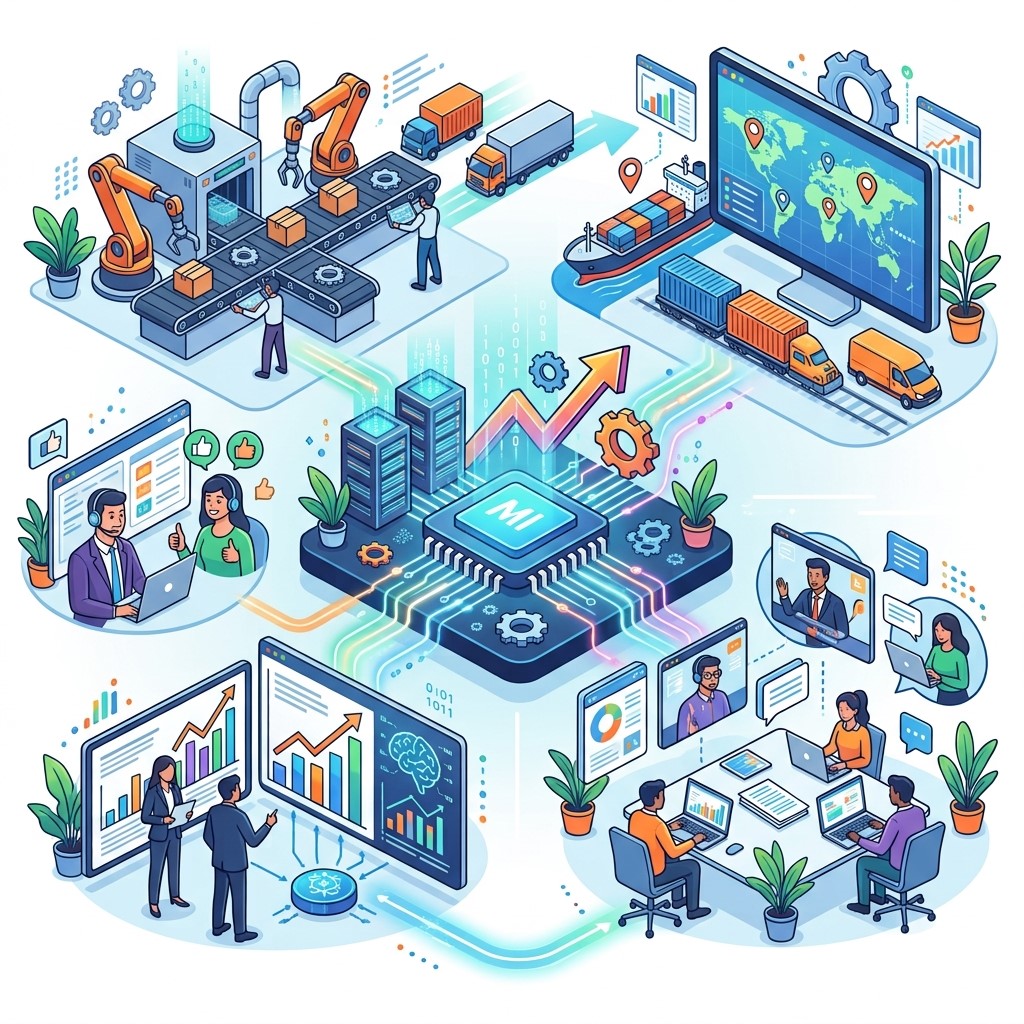 Efficiency is one of the biggest advantages of modern computer technology systems. Businesses can use technology to automate processes, organize information, and reduce unnecessary manual work.
Automating Repetitive Tasks
Automation allows businesses to reduce the time employees spend on repetitive activities. Processes such as data entry, invoice generation, reporting, scheduling, and notifications can be managed through software and integrated systems.
Improving Employee Productivity
Reliable IT computer systems give employees quick access to the applications and information they need. Better access reduces delays, improves collaboration, and allows teams to focus more attention on valuable business activities.
Reducing Operational Errors
Manual processes can create inconsistencies and human errors. Computer technology systems standardize workflows and automate calculations, helping organizations improve accuracy while maintaining consistent processes across departments.
The Role of Computer Network Technology in Business
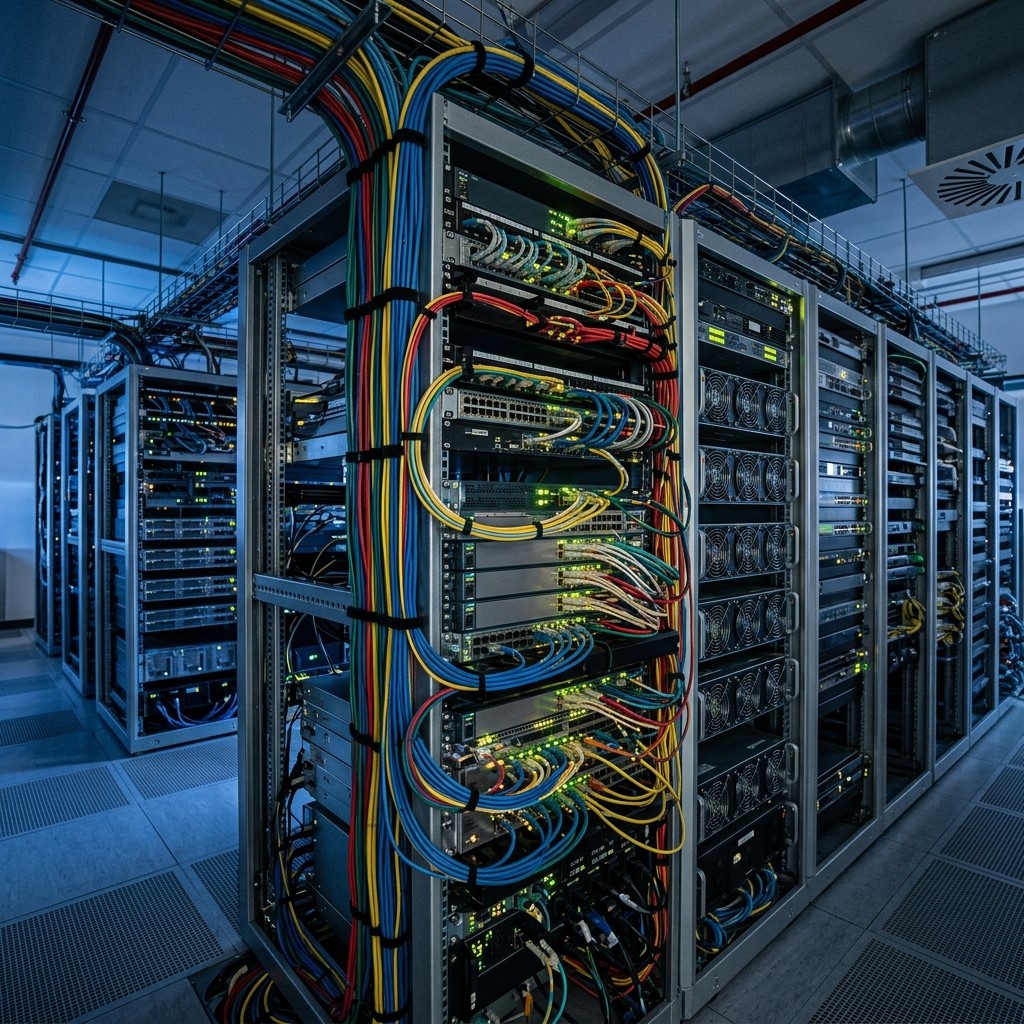 Computer network technology allows devices, employees, applications, and systems to communicate with one another. A reliable network is essential for organizations that depend on cloud applications, remote work, digital communication, and shared resources.
Connecting Business Resources
Networks allow employees to access shared files, applications, printers, databases, and other resources. This connectivity helps organizations create a more collaborative workplace while improving access to important business information.
Supporting Remote Work
Modern networks and cloud-based services allow employees to work from different locations. Secure remote connectivity gives businesses greater flexibility while helping employees maintain access to essential systems and applications.
Improving Communication
Business networks support email, video conferencing, instant messaging, file sharing, and collaboration platforms. Faster communication helps teams coordinate projects, solve problems, and respond to customers more effectively.
How Software Development Supports Digital Business Success
Software development plays an important role in creating digital solutions that match specific business requirements. Instead of depending entirely on generic applications, organizations can develop or customize software around their workflows and customer needs.
Building Customized Business Applications
Custom software can address unique operational requirements that standard applications may not fully support. Businesses can create solutions for customer management, inventory, analytics, logistics, automation, and other specialized processes.
Integrating Business Systems
Software development can connect separate applications and databases so that information moves between systems more efficiently. Integration reduces duplicate data entry and helps employees work with more consistent information.
Creating Scalable Digital Solutions
Well-planned software development allows systems to evolve as a business grows. Scalable applications can accommodate increasing users, transactions, data volumes, and operational requirements without requiring a complete technology replacement.
Computer Technology Systems and Data Management
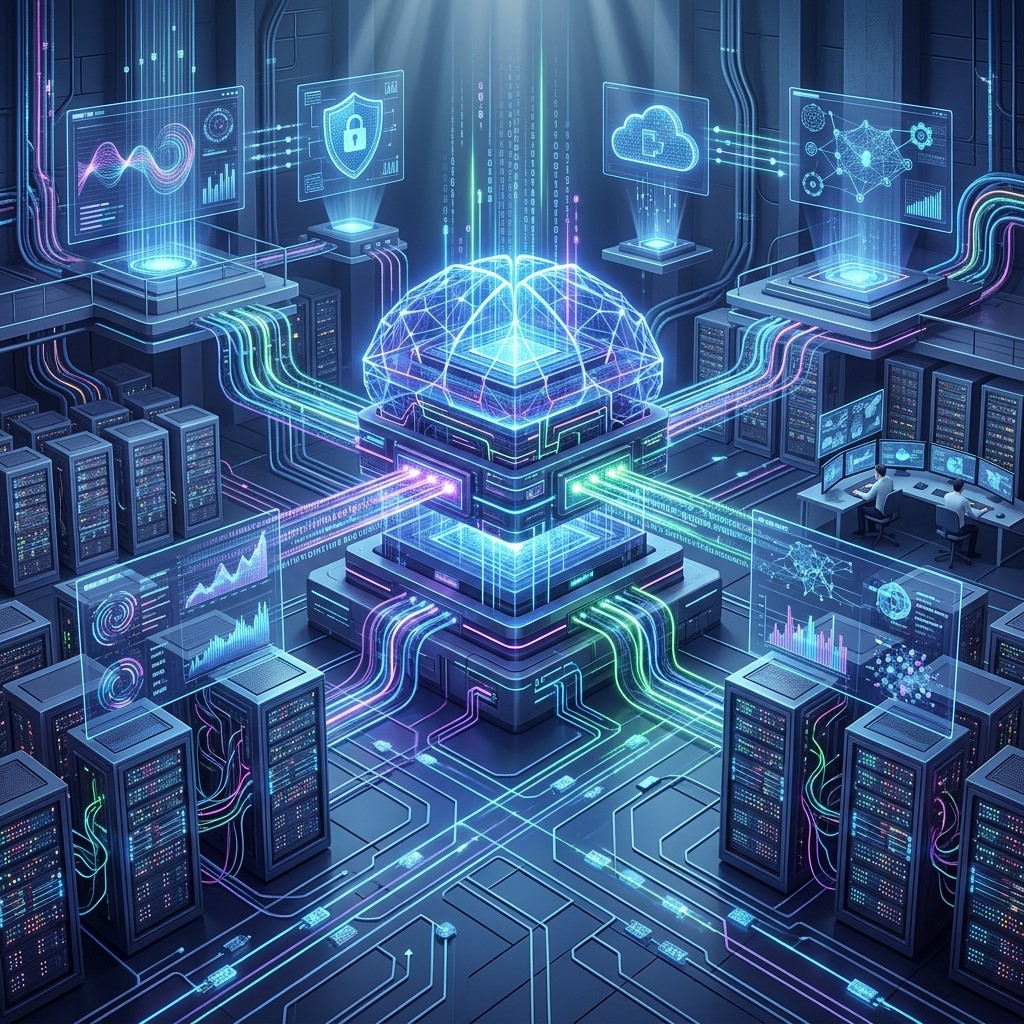 Data has become one of the most valuable resources for modern businesses. Computer technology systems provide the infrastructure needed to collect, organize, store, analyze, and protect business information.
Centralizing Business Data
Centralized systems make important information easier to manage and access. Businesses can bring customer, sales, financial, inventory, and operational data into connected environments to improve visibility.
Supporting Data-Driven Decisions
Technology systems can transform raw information into useful reports and insights. Managers can use dashboards, analytics platforms, and business intelligence tools to identify trends and make more informed decisions.
Improving Information Accessibility
Employees need accurate information at the right time to work effectively. Properly designed systems provide authorized users with efficient access to relevant data while maintaining appropriate security controls.
Computer Technology Systems and Cybersecurity
As businesses become more dependent on technology, protecting digital assets becomes increasingly important. Computer technology systems can incorporate multiple security measures to reduce risks and protect sensitive information.
Protecting Business Information
Businesses may store customer records, financial information, intellectual property, employee data, and operational documents digitally. Access controls, encryption, secure authentication, and monitoring can help protect these resources.
Managing User Access
Not every employee needs access to every system or file. Role-based permissions can restrict access according to job responsibilities, reducing the potential impact of unauthorized access or compromised accounts.
Supporting Backup and Recovery
Technology failures, cyber incidents, and accidental deletion can interrupt operations. Regular backups and recovery systems help businesses restore important information and reduce downtime when unexpected problems occur.
How Computer Technology Systems Improve Customer Experience
Digital systems affect not only internal operations but also the way customers interact with businesses. Faster processes and better information access can create smoother customer experiences.
Faster Customer Service
Employees can use connected systems to quickly retrieve customer information, order history, service records, and other relevant details. Faster access allows support teams to resolve questions and problems more efficiently.
Personalized Customer Interactions
Businesses can analyze customer information to understand preferences, behavior, and purchasing patterns. These insights can support more relevant recommendations, communications, and marketing experiences.
Supporting Digital Services
Websites, mobile applications, online ordering platforms, customer portals, and automated support systems rely on computer technology systems. These digital services allow customers to interact with businesses conveniently.
The Role of Cloud Computing in Modern Technology Systems
Cloud computing has changed how organizations build and manage technology infrastructure. Instead of relying exclusively on physical equipment, businesses can access computing resources and applications through cloud platforms.
Flexible Technology Resources
Cloud services allow organizations to increase or reduce computing resources based on demand. This flexibility can be particularly valuable for growing businesses and organizations with changing workloads.
Supporting Business Collaboration
Cloud-based applications allow employees to access documents, applications, and information from different locations. Teams can collaborate more effectively without depending entirely on physical office infrastructure.
Reducing Infrastructure Complexity
Cloud computing can reduce the need for businesses to maintain large amounts of physical infrastructure. Service providers can manage underlying resources while organizations focus on applications, data, and business objectives.
How Computer Technology Systems Support Business Growth
Technology should not simply solve today’s problems; it should also support future growth. Scalable computer technology systems help businesses expand operations without creating unnecessary technological limitations.
Supporting More Users and Transactions
As businesses grow, they often need to handle more customers, employees, transactions, and data. Scalable systems can accommodate increased workloads while maintaining reliable performance.
Expanding Digital Capabilities
Businesses can use technology systems to introduce new services, digital sales channels, automation tools, analytics capabilities, and customer experiences. This creates opportunities for innovation and market expansion.
Improving Competitive Advantage
Organizations that use technology effectively can respond faster to customer needs, market changes, and emerging opportunities. Efficient systems can help businesses differentiate themselves through better service and operational performance.
Challenges of Implementing Computer Technology Systems
Although technology offers significant advantages, implementing new systems requires careful planning. Poorly managed technology projects can create unnecessary costs, security risks, and operational disruptions.
High Initial Investment
Hardware, software, networking infrastructure, implementation, training, and maintenance can require significant investment. Businesses should evaluate long-term value rather than focusing only on initial costs.
Integration Difficulties
Older systems may not easily connect with modern applications. Businesses may need APIs, middleware, custom software development, or system upgrades to create an integrated technology environment.
Employee Training
Employees need to understand how new systems work. Effective training and ongoing support can improve adoption and reduce resistance when organizations introduce new technology.
Security and Compliance
Technology systems must be designed with security in mind. Organizations should establish access controls, security policies, monitoring processes, backup procedures, and appropriate compliance measures based on their industry.
Best Practices for Managing Computer Technology Systems
Successful technology management requires more than purchasing hardware and software. Businesses should develop a clear strategy that connects technology investments with measurable organizational goals.
Assess Business Requirements
Organizations should identify their operational challenges and technology requirements before selecting solutions. Understanding business needs helps prevent unnecessary purchases and improves technology planning.
Prioritize Scalability
Technology systems should be able to support future growth. Businesses should consider expected increases in users, data, transactions, locations, and digital services when evaluating potential solutions.
Maintain Strong Security
Security should be incorporated into system design rather than treated as an afterthought. Regular updates, access management, employee awareness, monitoring, and backup procedures can strengthen the overall technology environment.
Monitor System Performance
Businesses should regularly evaluate system performance, availability, security, and user satisfaction. Continuous monitoring helps organizations identify problems early and improve technology investments over time.
Future Trends in Computer Technology Systems
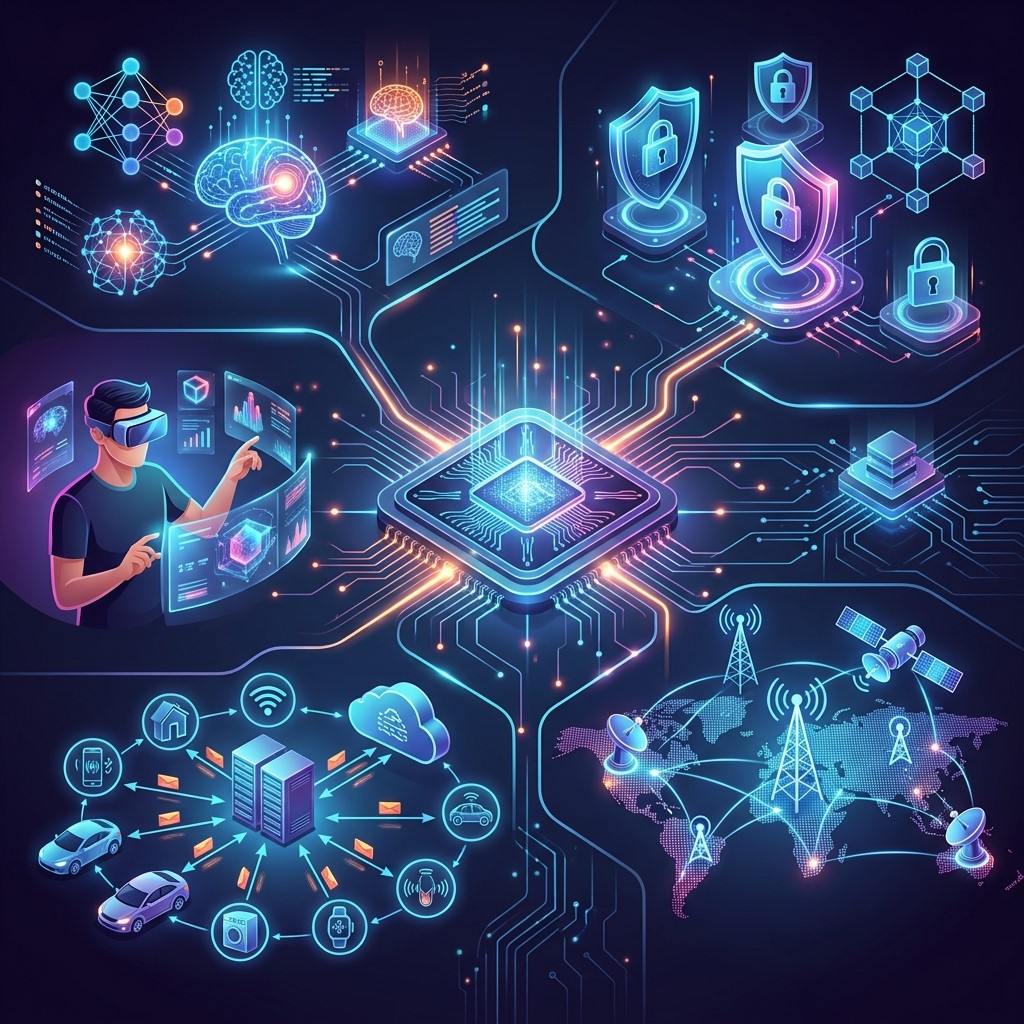 The future of computer technology systems will be shaped by artificial intelligence, automation, cloud computing, advanced networking, cybersecurity, and data analytics. These technologies are increasingly becoming integrated into everyday business operations.
Artificial Intelligence Integration
AI can help organizations analyze information, automate decisions, improve customer support, and identify patterns within large datasets. Businesses are increasingly integrating intelligent features into existing technology systems.
Greater Automation
Automation will continue to reduce repetitive manual work. Businesses can combine software development, workflow platforms, AI, and integrated systems to create increasingly efficient digital processes.
Smarter Network Infrastructure
Modern computer network technology is becoming more intelligent, flexible, and security-focused. Businesses will increasingly require networks capable of supporting cloud services, remote employees, connected devices, and data-intensive applications.
Frequently Asked Questions
What are computer technology systems?
Computer technology systems combine hardware, software, networks, databases, and digital tools to process information and support business operations. They help organizations manage data, communicate, automate processes, and deliver digital services.
Why are computer technology systems important for businesses?
Computer technology systems improve productivity, efficiency, communication, data management, security, and customer service. They also help businesses automate operations and create scalable infrastructure for future growth.
What are examples of IT computer systems?
Examples include desktop computers, servers, databases, cloud platforms, enterprise applications, cybersecurity systems, customer management platforms, accounting software, and communication systems used to support organizational operations.
How does computer network technology help businesses?
Computer network technology connects devices, applications, employees, and resources. It supports communication, file sharing, cloud access, remote work, centralized resources, and secure connectivity between different parts of an organization.
What role does software development play in business?
Software development creates applications and digital solutions designed around specific business requirements. It can support automation, system integration, customer services, data management, workflow optimization, and scalable digital operations.
Can small businesses benefit from computer technology systems?
Yes. Small businesses can use computer technology systems to automate tasks, manage customers, process transactions, improve communication, secure data, and compete more effectively without requiring the same infrastructure as large enterprises.
How do computer technology systems improve cybersecurity?
They can support authentication, access controls, encryption, monitoring, security updates, backups, and threat detection. A properly designed technology environment helps reduce risks and protect important business information.
How does cloud computing affect computer technology systems?
Cloud computing provides flexible access to computing resources, applications, storage, and infrastructure. It can support remote work, collaboration, scalability, and reduced dependence on physical technology infrastructure.
What should businesses consider before implementing new systems?
Businesses should evaluate requirements, costs, scalability, integration, security, employee training, maintenance, performance, and long-term objectives. A clear technology strategy can reduce implementation problems and improve return on investment.
What is the future of computer technology systems?
Future systems will increasingly integrate artificial intelligence, automation, cloud computing, advanced networking, cybersecurity, and data analytics. These technologies will help businesses create more intelligent, connected, secure, and efficient digital operations.
Conclusion
Computer technology systems are fundamental to modern digital business success. By connecting hardware, software, networks, data, and business applications, these systems help organizations improve efficiency, productivity, security, communication, and customer service.
From IT computer systems and computer network technology to customized software development and cloud computing, businesses have numerous opportunities to strengthen their digital capabilities. The most effective approach is to select technology based on real business requirements while maintaining scalability, security, and long-term usability.



Leave a Reply